
AI photo enhancement is the process of automatically correcting brightness, color balance, noise, and sharpness in listing images without manual retouching. For real estate professionals and landlords, understanding how AI editing improves dim rental photos is the difference between a listing that gets scrolled past and one that books fast. Dark, grainy photos signal neglect to prospective tenants, even when the property itself is excellent. AI tools fix that problem in seconds, at a fraction of the cost of a traditional photographer.
What specific AI techniques fix dim rental photos?
AI editing corrects dim rental photos by applying five distinct processes automatically. Each one targets a specific flaw that low-light smartphone photos produce.
- Noise reduction removes the grainy texture that appears in dark rooms. Grain is the first thing renters notice in a dim photo, and it reads as poor quality.
- Brightness and exposure correction lifts shadows and recovers detail in underexposed areas. A dark corner that hides a room's size becomes visible and inviting.
- Color balance adjustment restores natural tones that artificial lighting distorts. Tungsten bulbs push photos orange; AI corrects that cast without oversaturating the image.
- Detail sharpening improves edge clarity on furniture, flooring, and fixtures. Soft, blurry details make rooms look smaller and less appealing.
- Contrast optimization expands the dynamic range between light and dark areas. The result is a photo that looks three-dimensional rather than flat.
AI enhancement tools apply all five of these corrections automatically, transforming low-light and smartphone photos into professional-quality images instantly. That automation is what separates AI editing from manual retouching in a real workflow.
Pro Tip: Shoot in the RAW format if your smartphone supports it. RAW files give AI tools more data to work with, producing cleaner brightness lifts and more accurate color corrections than compressed JPEGs.

AI editing vs. manual editing: which is better for rental listings?
The comparison between AI and manual editing comes down to three factors: speed, cost, and consistency. On all three, AI editing wins for most rental professionals.
AI editing produces professional-standard enhancements in 10–15 seconds per image versus 30–60 minutes for manual retouching. That time difference is not a minor convenience. For a landlord managing a 20-unit portfolio or an Airbnb host refreshing photos before peak season, it means the difference between same-day listing updates and a two-week backlog.
Cost is equally stark. Traditional photography and retouching runs $200–$500 per shoot. AI editing reduces that to cents per image. Large real estate portfolios benefit most from this model, since AI's speed and automation enable scale without sacrificing quality.
| Factor | Manual editing | AI editing |
|---|---|---|
| Time per image | 30–60 minutes | 10–15 seconds |
| Cost per shoot | $200–$500 | Cents per image |
| Consistency | Variable by editor | Uniform across all images |
| Skill required | High | None |
| Best for | Complex composites | Rental listing portfolios |
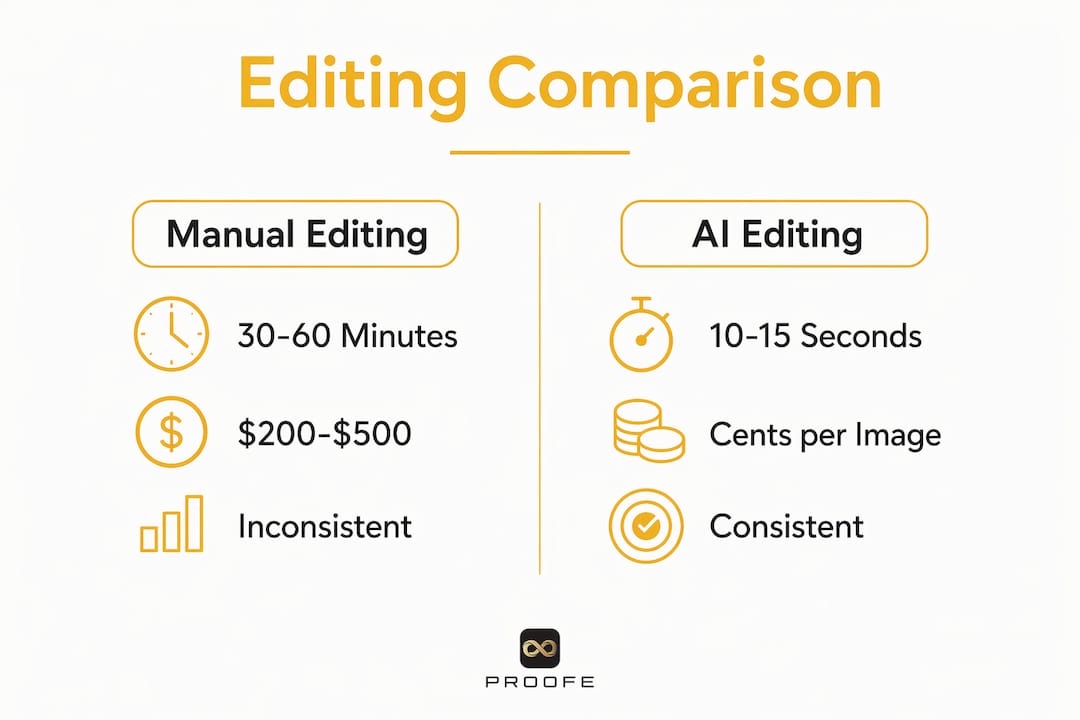
Manual editing still has a role in high-end architectural photography where complex compositing or virtual staging requires human judgment. For standard rental listing photos, AI delivers faster, cheaper, and more consistent results.
Pro Tip: Use AI editing for your full portfolio first, then apply manual touch-ups only to your hero shot, the single lead photo that appears in search results. This approach keeps costs low while maximizing the impact of your most-viewed image.
Best practices for using AI to enhance dim rental photos
Applying AI editing well requires more than pressing a button. These practices separate listings that look polished from those that look over-processed.
- Choose tools built for real estate images. Generic photo editors apply corrections designed for portraits or landscapes. Real estate-specific AI tools understand room geometry, window light, and interior color palettes, producing more natural results.
- Upload high-resolution files. Images with a 2048px long edge at 72–300 DPI maximize AI enhancement effectiveness and speed up listing load times on MLS and Airbnb platforms. Low-resolution inputs limit what any AI tool can recover.
- Establish one consistent editing style. Consistent editing style is the most overlooked factor in market competitiveness. Inconsistent photo galleries create visual friction and reduce tenant engagement. Pick one look, such as warm, bright, and sharp, and apply it across every photo in your listing.
- Avoid over-processing. Using AI tools optimized for real estate is critical for maintaining natural color tones. A room that looks artificially bright or oversaturated raises red flags for prospective renters. The goal is accurate, not theatrical.
- Batch-edit your full portfolio. Airbnb hosts and property managers who refresh photos seasonally see the biggest gains. Updating your listing photos before summer or fall rental seasons, when demand shifts, keeps your property competitive at the moments that matter most.
For a step-by-step editing workflow, Proofe's 8-step editing guide walks through each stage from capture to upload, with specific guidance on brightening and sharpening rental images.
How do better photos affect rental property performance?
Photo quality directly drives listing views, booking rates, and revenue. The numbers are not marginal.
Listings with 20 or more quality photos can see revenue increases of 20% or more. Consistent editing styles lift booking rates by 15% or more. Those figures reflect a simple truth: renters make decisions based on what they see before they ever contact a landlord.
Bookings increase by at least 14% with virtual staging and effective photo editing combined. Virtual staging adds furniture and decor to empty rooms digitally, while AI editing ensures those staged images look bright and realistic. Together, they reduce the mental effort renters need to imagine themselves in the space.
Consistent bright photos also reduce bounce rates. When a prospective tenant clicks through a listing and finds every photo equally well-lit and sharp, they stay longer and engage more. Consistent photo editing builds renter trust and decreases bounce rates significantly. A gallery that mixes dark, unedited shots with a few bright ones signals inconsistency in how the property is maintained.
The ROI math is straightforward. Spending a few dollars per listing on AI photo enhancement against a potential 15–20% lift in bookings or revenue makes photo editing one of the highest-return investments a landlord or agent can make.
Key Takeaways
AI editing is the fastest and most cost-effective way to turn dim rental photos into professional-quality listing images that drive views, bookings, and revenue.
| Point | Details |
|---|---|
| AI speed advantage | AI editing takes 10–15 seconds per image versus 30–60 minutes manually. |
| Revenue impact | Listings with quality photos and consistent editing can see revenue increases of 20% or more. |
| Consistency matters | A uniform editing style across all listing photos reduces bounce rates and builds renter trust. |
| Resolution requirement | Upload images at a 2048px long edge for best AI enhancement results on MLS and Airbnb. |
| Avoid over-processing | Natural-looking edits retain renter confidence; over-brightened photos raise suspicion. |
Why I stopped second-guessing AI photo editing for rentals
The first time I ran a set of dim apartment photos through an AI editor, I expected the results to look fake. Every room had been shot on a smartphone under overhead fluorescent light, and the photos were flat, gray, and uninviting. What came back looked like a professional had spent an hour on each image. That was the moment I stopped treating AI editing as a shortcut and started treating it as the standard.
The challenge most agents and landlords run into is not the technology. It is the temptation to over-edit. AI tools make it easy to push brightness and saturation past the point of realism, and that is where trust breaks down. A renter who arrives at a property expecting the bright, airy space in the photos and finds something darker will feel misled. The best AI edits are the ones where you cannot tell editing happened at all.
My practical advice: run your photos through AI enhancement first, then review each image against the actual room. If the AI version looks noticeably better than reality, dial it back. The goal is to show the property at its best, not to invent a property that does not exist.
AI's role in rental photography will keep growing. Airbnb hosts who refresh their listings seasonally are already seeing the competitive advantage. Agents managing large portfolios are cutting editing costs dramatically. The professionals who adopt consistent AI editing workflows now will be the ones with the strongest visual presence when the market tightens.
— Richard Lopez
Get professional listing photos from your phone with Proofe
Dim photos cost you bookings. Proofe fixes that without expensive equipment or a photographer on call.
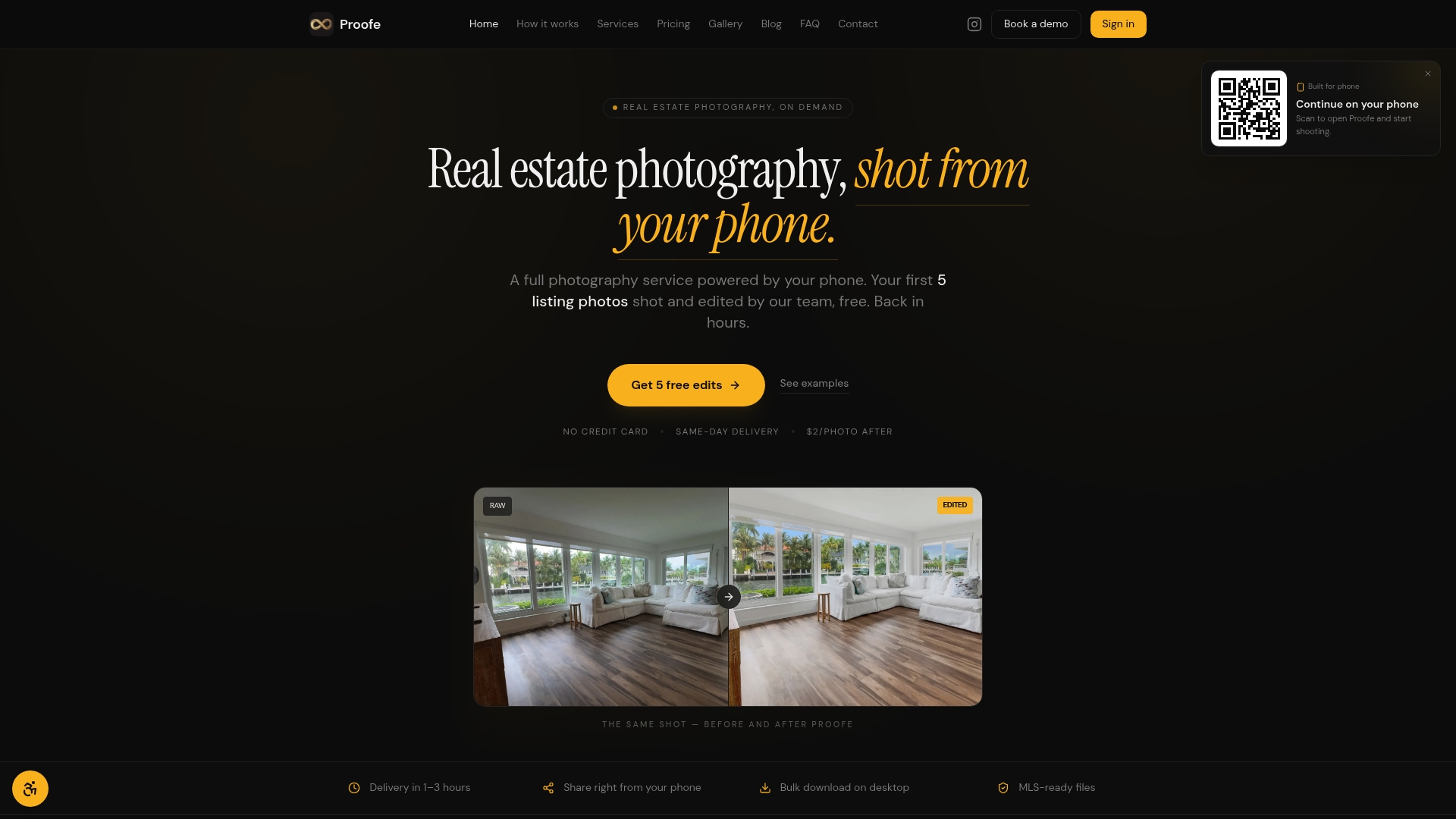
Proofe's AI photo enhancement is built specifically for real estate listings. You shoot with your smartphone, the AI corrects brightness, color, and sharpness automatically, and you download MLS-ready files the same day. No editing skills required. The first five photos are free, so you can see the results before committing. Whether you manage a single rental or a full portfolio, Proofe delivers professional-quality images at a fraction of traditional photography costs. Airbnb hosts refreshing photos for a new season and agents updating listings between tenants both get the same fast, consistent results.
FAQ
How does AI editing improve dim rental photos?
AI editing automatically applies brightness correction, noise reduction, color balancing, and sharpening to dim photos. The result is a professional-quality image produced in seconds without any manual retouching.
Is AI photo editing accurate enough for MLS listings?
Yes. AI tools optimized for real estate produce natural-looking enhancements that meet MLS standards. Uploading images at a 2048px long edge at 72–300 DPI maximizes both AI accuracy and platform compatibility.
How much does AI photo editing cost compared to hiring a photographer?
Traditional photography and retouching costs $200–$500 per shoot. AI editing reduces that to cents per image, making it practical for landlords and agents managing multiple properties.
Can Airbnb hosts use AI editing to improve seasonal listing photos?
Airbnb hosts benefit directly from AI editing, especially when refreshing photos between seasons. Updated, well-lit photos before peak rental periods improve search visibility and booking rates.
Does over-editing with AI hurt rental listing performance?
Over-processed photos that look unrealistically bright or saturated reduce renter trust. The best practice is to use AI tools designed for real estate and review each edited image against the actual property to keep results authentic.