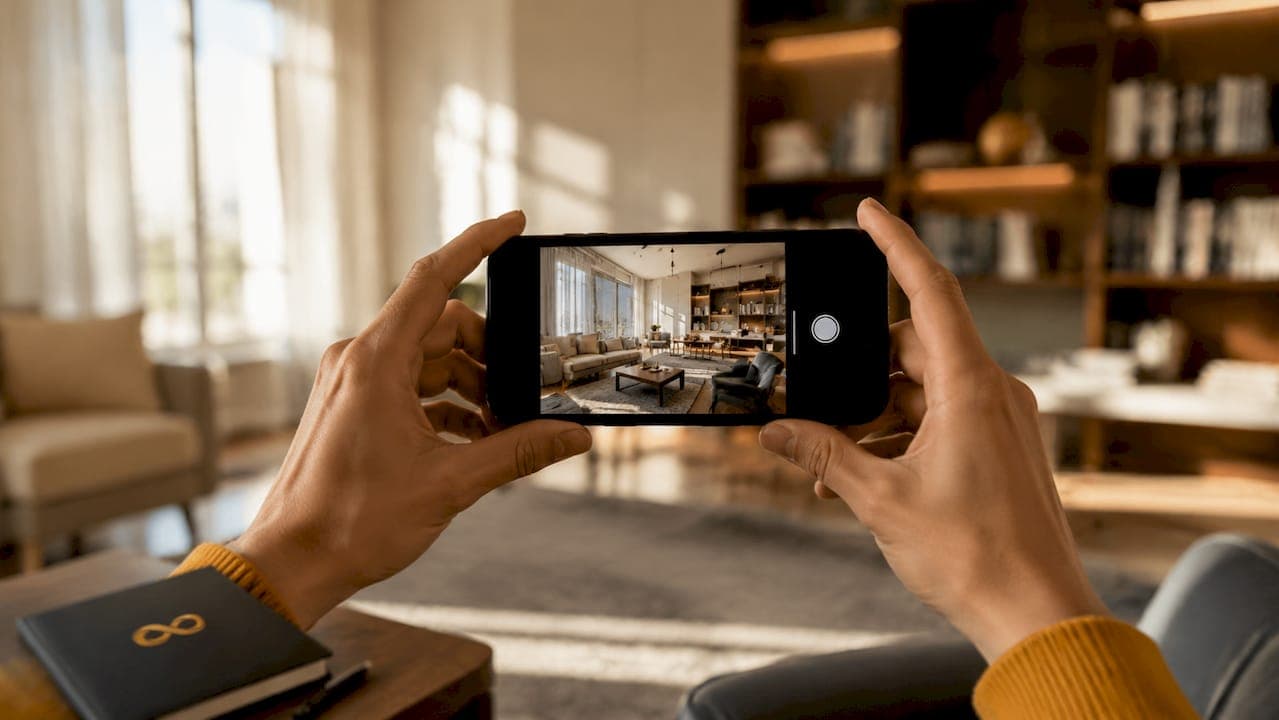
Smartphone photography is now a direct replacement for professional shoots in most real estate and creative applications. Modern phones combine computational photography, HDR processing, and AI editing to produce images that meet MLS standards and digital marketing requirements without a professional photographer on site. Replacing professional photographers for iterative photography tasks can save 60%–80% in costs while increasing photo volume by 3–5x. That shift is not a trend. It is a structural change in how agents, homeowners, and Airbnb hosts approach listing photography.
How smartphone photos replace professional shoots in real estate
Smartphones handle roughly 80% of routine marketing imagery needs with fast, automated processing. That figure tells you something important: the gap between phone and professional camera has closed for the exact use cases that matter most to real estate and creative professionals.
The technology driving this shift has three pillars.
Computational photography is the first. Your phone does not capture a single frame the way a DSLR does. It captures multiple frames simultaneously and merges them. The result is instantaneous HDR processing that outperforms single RAW files from professional cameras in high-contrast scenes. A bright window in a dim living room, the classic real estate nightmare, is handled automatically by your phone. A DSLR requires bracketed exposures and manual blending.
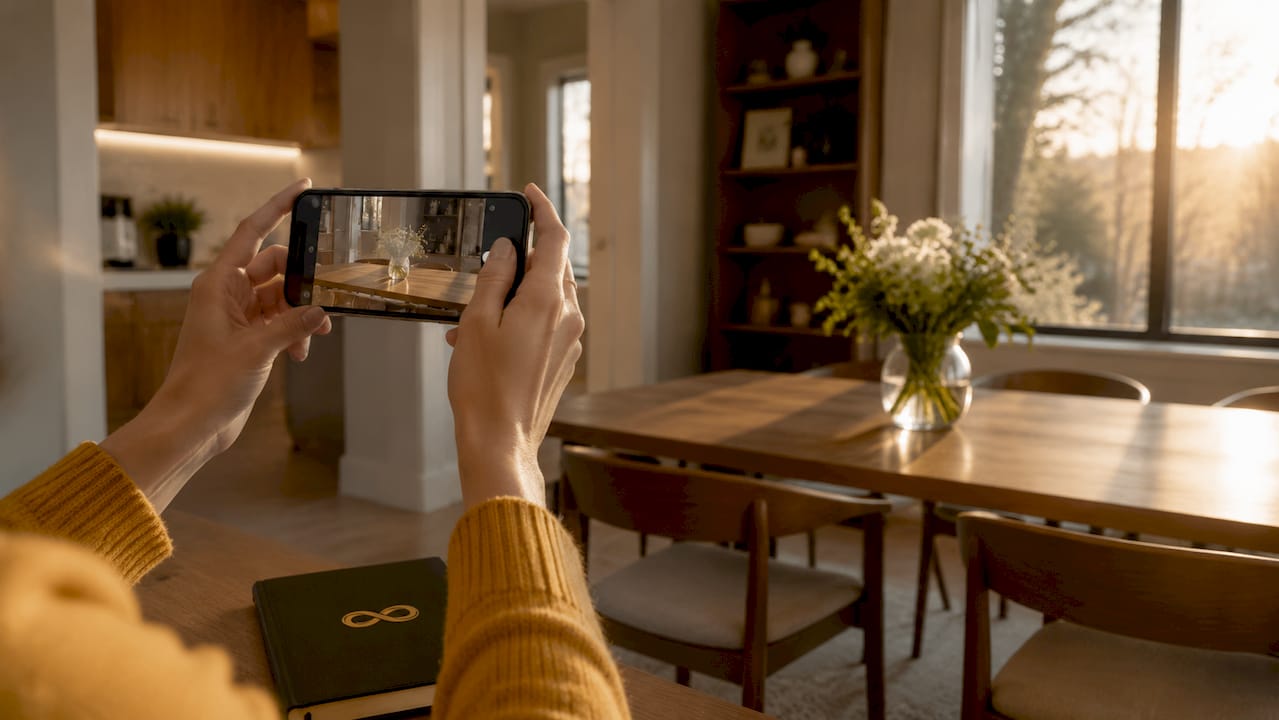
AI post-processing is the second pillar. Apps and services built on AI can correct white balance, sharpen edges, reduce noise, and adjust exposure after the shot. This is where tools like Proofe's AI photo enhancer close the remaining gap between phone output and professional studio results.
Sensor and stabilization improvements round out the picture. Larger sensors, wider apertures, and optical image stabilization now ship on mid-range phones. These features reduce the motion blur and noise that previously made handheld phone shots look amateur.
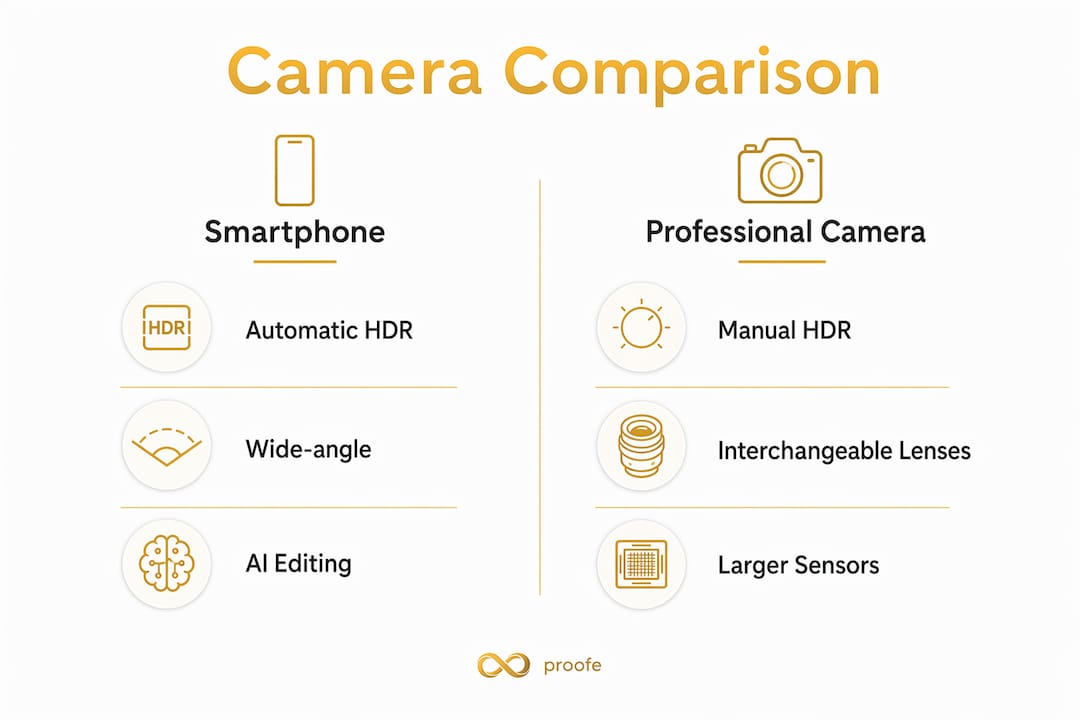
Smartphone vs. professional camera: capability comparison
| Feature | Smartphone | Professional camera |
|---|---|---|
| HDR processing | Automatic, real-time | Manual bracketing required |
| AI editing integration | Built-in and app-based | Third-party software only |
| Portability | Pocket-sized | Bag required |
| Depth of field control | Simulated (portrait mode) | Optical, precise |
| Dynamic range (RAW) | Narrower | Wider |
| Large-format print quality | Limited | Strong |
| Speed to publish | Minutes | Hours to days |
Pro Tip: Shoot in your phone's native wide-angle lens for interiors. The ultra-wide lens distorts walls and makes rooms look unnaturally large, which buyers notice.
Why smartphone workflows are faster and more cost-effective
Standard professional photography costs $80–$120 per image. AI-assisted smartphone workflows cut that cost dramatically while producing 3–5x more images per session. For an agent managing multiple listings per month, that math changes the business model entirely.
The workflow advantages go beyond price.
- No scheduling delay. You shoot when the property is ready, not when a photographer is available. Airbnb hosts can reshoot a bedroom after a seasonal refresh the same afternoon they swap out the decor.
- Same-day delivery. Proofe delivers MLS-ready files the same day you shoot. A traditional photography booking adds one to three days of turnaround before editing is complete.
- Consistent output across a portfolio. AI editing standardizes color temperature, brightness, and contrast across every image in a set. That consistency is hard to achieve even with a skilled photographer across multiple sessions.
- Volume without proportional cost. Shooting 30 images instead of 10 costs you nothing extra in phone photography. With a professional, every additional image adds to the invoice.
Many professionals now replace traditional photography sessions with AI-enhanced smartphone workflows, achieving standardized results faster and at a fraction of the cost. The key is pairing good shooting habits with strong AI editing, not relying on the phone alone.
Pro Tip: Shoot each room from the doorway at chest height. This angle shows the full room without distortion and matches the perspective buyers expect from listing photos.
When professional photography is still worth it
Smartphones do not win every scenario. Smartphone RAW files have narrower dynamic range than professional camera RAW files. Heavy editing degrades image quality faster. If your workflow requires aggressive post-processing, a DSLR or mirrorless camera gives you more room to work.
Here are the situations where professional cameras still hold a clear advantage:
- Large-format print. Billboard ads, magazine spreads, and printed brochures require resolution and color depth that most phone sensors cannot match.
- Complex lighting setups. Architectural shoots with off-camera flash, gels, or multiple light sources need manual control that phones cannot replicate.
- Artistic portrait work. Portrait mode's artificial blur struggles with complex edges like hair and foliage. Natural optical bokeh from a fast prime lens produces cleaner results.
- Luxury property marketing. High-end listings where print collateral and editorial-style photography are part of the brand strategy still benefit from a professional photographer.
For the vast majority of MLS listings, rental platforms, and creative portfolio work, these scenarios are the exception. The practical question is not whether phones can replace cameras in every case. It is whether they can handle your specific use case well enough to justify the cost and time savings.
| Use case | Best tool |
|---|---|
| MLS listing photos | Smartphone with AI editing |
| Airbnb seasonal refresh | Smartphone with AI editing |
| Luxury print brochure | Professional camera |
| Social media content | Smartphone |
| Billboard advertising | Professional camera |
| Property video walkthrough | Smartphone (stabilized) |
How to take professional photos with your phone for listings
Getting professional results from a smartphone is a skill, not luck. The debate between phones and dedicated cameras has shifted to computational intelligence versus optical physics. You win by working with your phone's strengths, not against them.
Follow this workflow for every listing shoot:
- Prepare the space. Remove clutter, open blinds fully, and turn on all interior lights. Your phone's HDR works best when the scene is already as bright and clean as possible.
- Use a tripod. Tripod stabilization is the single most impactful upgrade you can make. It eliminates motion blur and reduces noise, especially in lower-light rooms like bathrooms and hallways.
- Lock exposure manually. Tap the brightest part of the frame to lock exposure, then slide the exposure slider down slightly. This prevents blown-out windows while keeping the room visible.
- Shoot in the native camera app. Third-party camera apps add processing steps that can degrade quality. Your phone's native app uses the full computational photography pipeline.
- Edit with AI tools. Upload your shots to Proofe's real estate photo editing service. AI handles brightness correction, color standardization, and sky replacement automatically.
- Export as MLS-ready files. Proofe delivers files formatted for MLS upload, saving you the extra step of resizing and converting.
Accessories that make a real difference:
- A compact travel tripod with a phone mount
- A clip-on wide-angle lens for tight spaces (use sparingly to avoid distortion)
- A portable LED panel for dark rooms or overcast days
- A remote shutter trigger to eliminate camera shake when pressing the screen
Pro Tip: Airbnb hosts should reshoot key rooms every season. Updated photos showing spring light or cozy winter staging consistently improve booking rates. Proofe's same-day delivery makes this practical without hiring a photographer each time.
Key takeaways
Smartphone photography now replaces professional shoots for most real estate and creative applications when paired with AI editing, proper technique, and the right accessories.
| Point | Details |
|---|---|
| Cost savings are significant | AI-assisted smartphone workflows save 60%–80% compared to standard professional photography costs. |
| HDR gives phones an edge | Phones merge exposures automatically in real time, outperforming single RAW files in high-contrast scenes. |
| Tripods are non-negotiable | Stabilization eliminates blur and noise, the two biggest quality gaps between phone and pro camera output. |
| Avoid portrait mode for interiors | Artificial blur creates artifacts in real estate photos; use the native wide-angle lens instead. |
| AI editing closes the gap | Services like Proofe standardize color, brightness, and format across an entire listing portfolio automatically. |
The tool debate misses the real point
The smartphone versus professional camera conversation tends to focus on specs. Megapixels, sensor size, lens sharpness. After years of watching both tools in action, I think that framing is wrong.
The value of a photo is driven more by the photographer's vision and intent than the device used. A poorly composed shot from a $5,000 mirrorless camera is still a bad listing photo. A well-lit, properly staged room captured on a current flagship phone, then edited with AI, will outperform it every time.
What I have seen work consistently is this: use your phone for speed, volume, and anything destined for digital platforms. Reserve professional camera work for situations where optical physics genuinely matter, large prints, complex lighting rigs, or editorial-level artistic control. Most real estate agents and Airbnb hosts never encounter those situations in their day-to-day work.
The agents who resist smartphone photography are often protecting a workflow, not a quality standard. Once you see what AI editing does to a well-shot phone image, the resistance usually disappears.
— Richard Lopez
Proofe makes smartphone listing photography practical
Real estate agents, homeowners, and Airbnb hosts are already shooting their own listing photos. The missing piece is professional-grade editing that makes those shots MLS-ready and visually competitive.
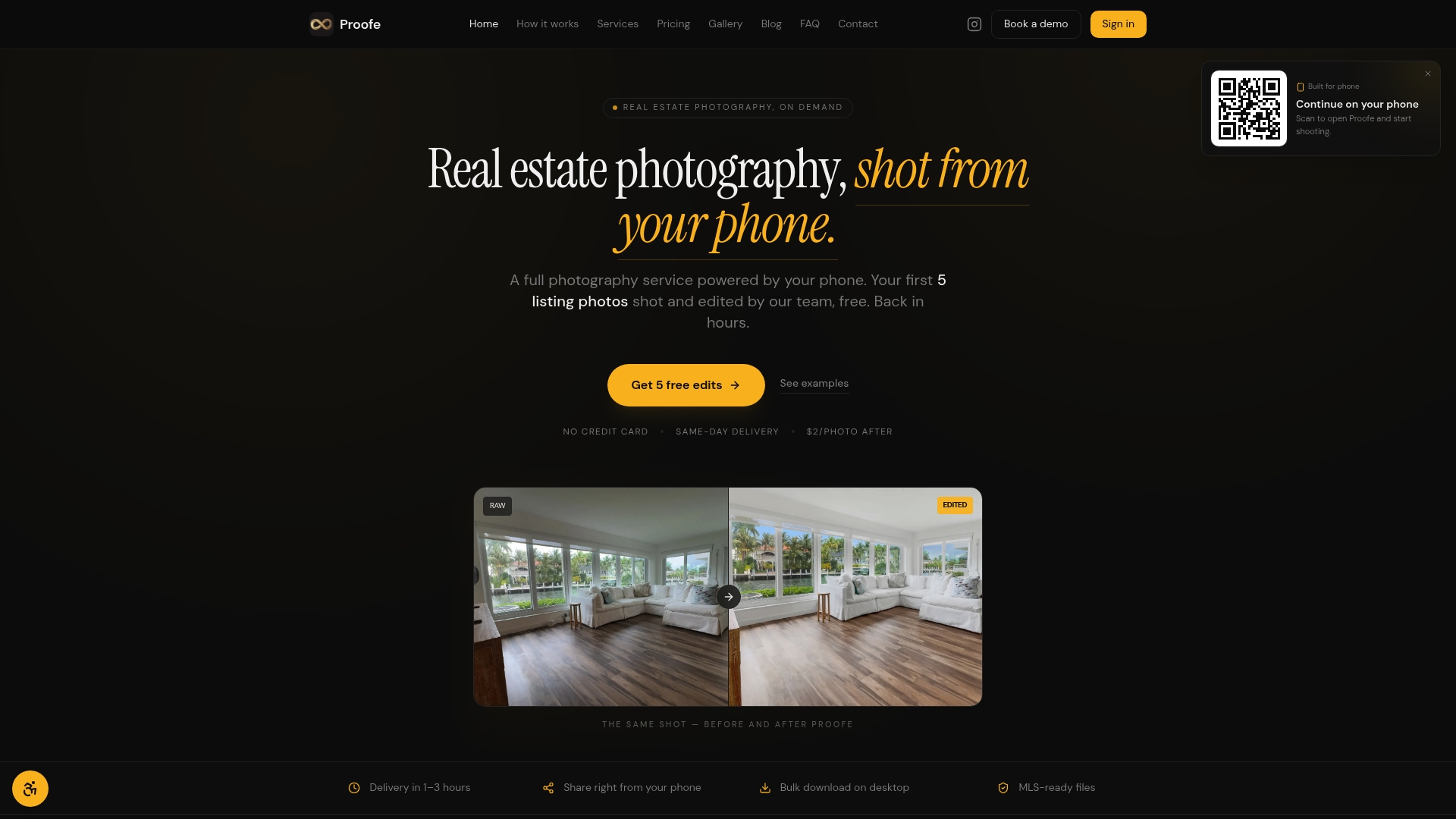
Proofe handles that editing step with AI. You shoot with your phone, upload your images, and get back polished, MLS-ready files the same day. The Proofe real estate photo app walks you through the process in three steps: shoot, AI-enhance, and download. Your first five photos are free. For Airbnb hosts refreshing seasonal photos or agents managing multiple listings at once, that turnaround changes what is actually possible without a photography budget. Try Proofe on your next listing and see the difference same-day AI editing makes.
FAQ
Can a smartphone fully replace a professional camera for real estate photos?
For MLS listings and digital platforms, yes. Smartphones handle the HDR processing, wide-angle coverage, and resolution that real estate photography requires, especially when paired with AI editing tools like Proofe.
What is the biggest technical limitation of smartphone photography?
Smartphones have narrower dynamic range in RAW files than professional cameras. Heavy post-processing degrades image quality faster, so moderate editing and AI-assisted correction produce the best results.
How much can I save by switching to smartphone photography?
Replacing a professional photographer with an AI-assisted smartphone workflow can save 60%–80% in photography costs while producing 3–5x more images per session.
Should I use portrait mode for real estate interior shots?
No. Portrait mode applies artificial background blur that creates artifacts around furniture edges and doorframes. Use the native wide-angle lens for accurate, natural-looking interiors.
How often should Airbnb hosts update their listing photos?
Hosts should reshoot key rooms each season. Updated photos reflecting current lighting conditions and decor consistently improve booking performance, and same-day AI editing services make seasonal refreshes practical without recurring photographer fees.