Getting fast, affordable real estate photo enhancement often means juggling tedious file uploads, unclear per-image charges, or limited mobile workflows that slow down getting listings live. Many popular platforms either require expensive subscriptions, restrict features like virtual staging and sky replacement to higher tiers, or produce inconsistent output when agents need reliable same-day results. This comparison covers cost structures, turnaround speeds, and AI editing depth across five real estate photo enhancement tools so you can pick a service that matches your volume, device, and client expectations.
Table of Contents
- Proofe
- Autoenhance.ai
- ProperShot
- Sylo AI
- Exposio
- Comparative Analysis of Real Estate Photo Enhancement Services
Proofe
At a Glance
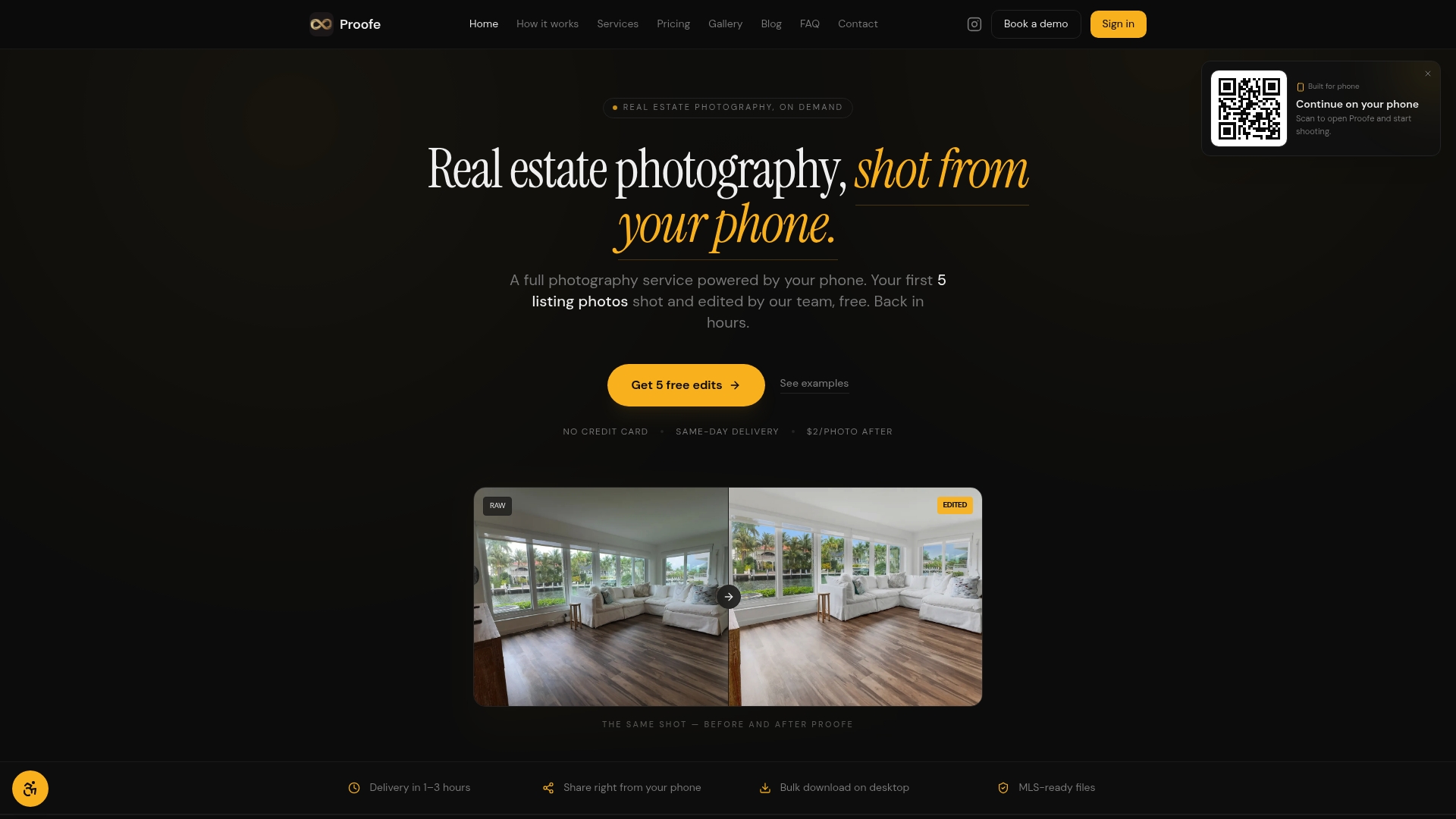
Proofe charges a flat per-photo rate of $2.00 with team plans starting at $1.85 and brokerage volume pricing down to $1.65 per image. The vendor advertises same-day photo delivery and MLS-ready high-resolution JPEGs produced from smartphone captures.
Core Features
- Guided capture through mobile app that walks you through framing, exposure, and shot order for listings.
- AI-powered editing including sky replacement, window pulls, and color correction tuned for interiors and exteriors.
- MLS-compliant high-resolution images delivered as JPEGs ready for upload.
- Same-day turnaround claim with optional human review for quality control.
- Volume plans for teams and brokerages that lower the per-photo rate.
Key Differentiator
Mobile-guided photo capture plus real estate–focused AI editing. Proofe forces the phone shoot to match an MLS workflow and then applies automated edits tuned for listings rather than general photography, which reduces back-and-forth and speeds time to market.
Pros
- Fast delivery fits tight listing windows. The vendor’s same-day delivery claim shortens time between visit and live listing, which matters when a new listing must go up immediately.
- Low incremental cost per image. At $2.00 a photo and lower team tiers, it undercuts many on-call shooters for routine listings.
- Keeps creative control with the agent. You shoot, you own the files, and you decide which edits to accept or reject.
- Eliminates the need to schedule a separate photography session for every listing. That saves travel time and coordination for solo agents and small teams.
- Human review on top of AI edits reduces obvious artifacts that pure automation sometimes leaves behind.
Cons
- Relies on you capturing good base images with your phone; poor source photos limit the final result and reduce the value of the edit pipeline.
Who It's For
Agents, property managers, and small brokerage teams who need MLS-ready images quickly and want to control shooting without hiring local photographers. Works best for everyday listings where speed and cost matter more than bespoke, high-end retouching.
Unique Value Proposition
The per-photo economics plus a phone-first workflow turns spare minutes during a showing into publishable listing photos. Instead of coordinating a local shooter, an agent can shoot, submit, and get back MLS-ready files for a clear, predictable cost per image.
Real World Use Case
An agent photographs a three-bedroom during a midday showing, uploads 12 shots through the app, and selects edits. Because of the delivery claim above and the human review layer, the agent receives polished, MLS-ready JPEGs within hours and lists the property the same day.
Pricing
Per photo pricing starts at $2.00. Team plans begin at $1.85 per photo and brokerage volume tiers reach $1.65 per photo. Monthly billing with cancel anytime terms; the service advertises an introductory set of free photos for new users.
Website: https://proofe.app
Autoenhance.ai
At a Glance
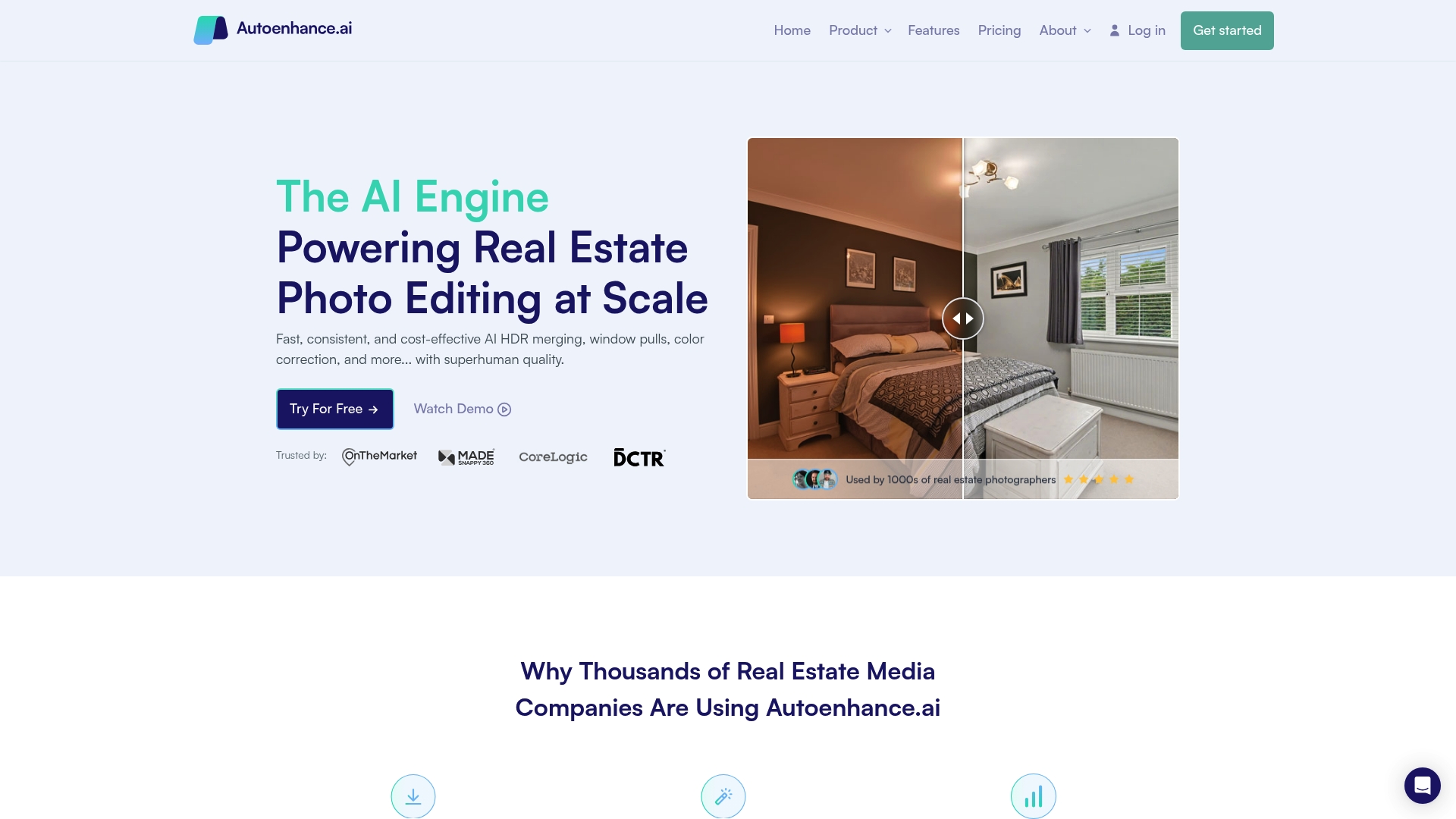
The vendor advertises over 10 million images enhanced since 2021, a volume that signals heavy usage among real estate teams. Autoenhance.ai pairs a web app with an API so agencies and PropTech platforms can plug image enhancement into live workflows.
Core Features
- AI HDR merging for balanced exposure across bracketed shots.
- Sky replacement that aims for natural-looking skies without manual masking.
- Perspective correction and window pulls to reveal outdoor views and straighten room geometry.
- Color correction for consistent, natural tones across a gallery.
Key Differentiator
Autoenhance.ai focuses the toolset specifically on real estate photography tasks and exposes those capabilities through both a browser interface and a developer-friendly API. That combination makes it practical for single photographers and for platforms that need automatic, repeatable edits at scale.
Pros
- The platform shortens hand editing time by automating repetitive tasks, which helps small teams handle larger volumes without hiring extra retouchers.
- Pay-per-image pricing keeps upfront costs low for intermittent shoots and avoids forced subscriptions for occasional users.
- Batch jobs are fast in practice; users report typical batches finishing in 5-10 minutes, which speeds delivery windows for tight listing schedules.
- Supports RAW files, HDR brackets, and common real estate inputs so output quality starts from higher-fidelity sources.
- The feature mix covers the usual editing checklist for listings: exposure, sky, perspective, and color, reducing the number of separate tools you need.
Cons
- Multiple user reports and third-party feedback say the results can look mushy or unnatural on complex scenes, which hurts high-end listings that rely on crisp detail.
- Several reviewers describe difficulty canceling subscriptions or deleting accounts, a workflow issue that creates friction for busy teams.
- Customer service responsiveness is reported as poor by some users, extending resolution times for quality concerns.
- For highly detailed retouching or artistic edits, the automated output may require additional manual refining.
When It May Not Fit
If you need pixel-perfect renders for luxury properties or architecture work, Autoenhance.ai’s automated touch can fall short; manual retouching will still be necessary. If your team needs immediate, hands-on support for editing disputes, the reported customer service delays could be a pain point.
Notable Integrations
- API for custom workflows and PropTech platform integration. Use the API to queue images, retrieve batches, and embed enhancement steps into an existing media pipeline without manual upload.
Who It's For
Real estate photographers, small agencies, and PropTech teams that process high volumes of listing photos and need lower per-image costs. Ideal when throughput matters more than studio-grade, handcrafted retouching.
Real World Use Case
A small photography company automates HDR merging, perspective correction, and sky replacement for hundreds of listings weekly. The automated pipeline reduces manual editor hours and shortens delivery to the agent from days to the same business day for many properties.
Pricing
Flexible pricing includes a limited free trial and a pay-per-image option. Subscription plans start at about $29 per month for 100 images, with additional images around $0.29 each. Enterprise plans are available for higher-volume needs.
Website: https://autoenhance.ai
ProperShot
At a Glance
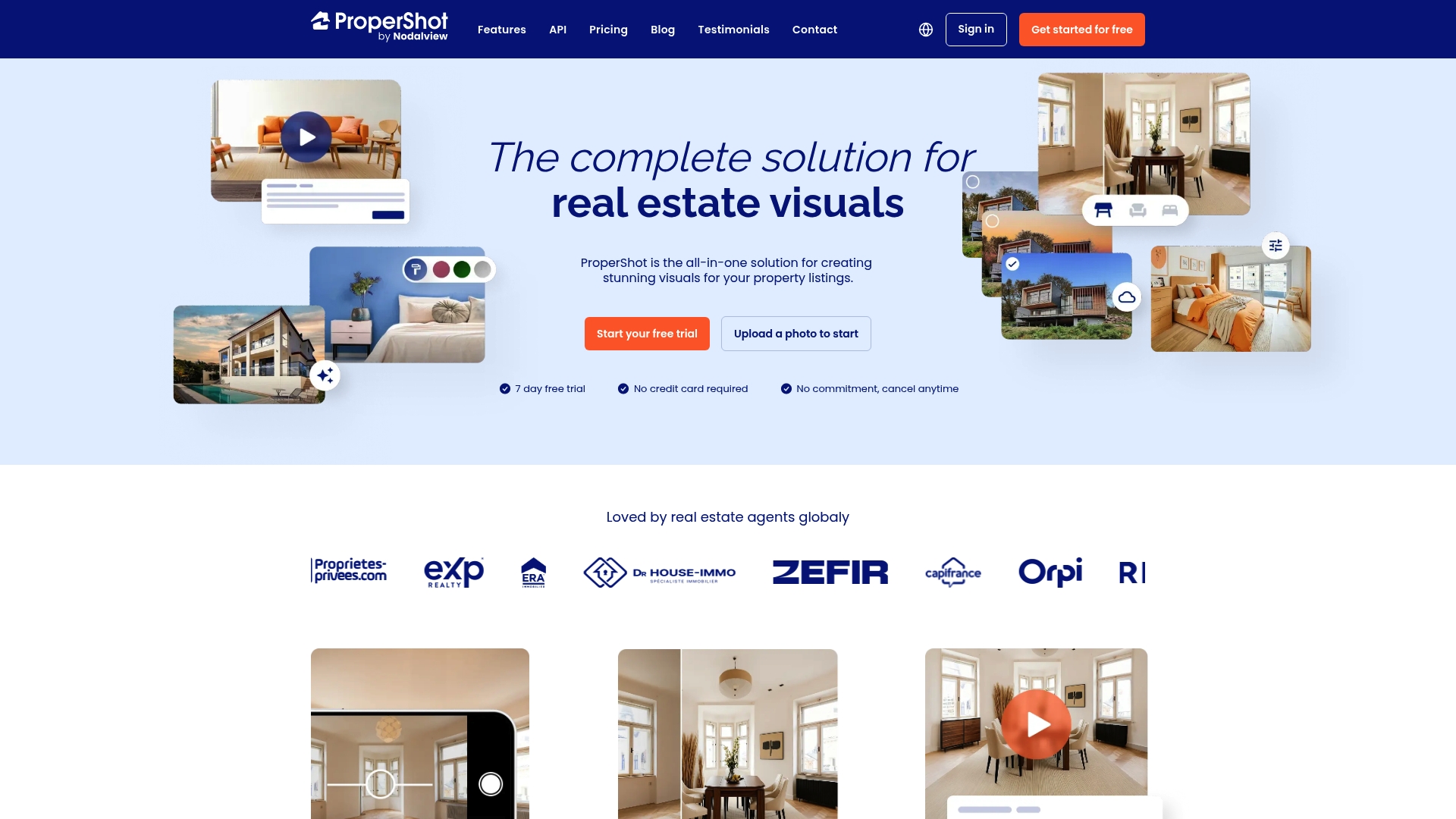
ProperShot lists its entry plan at 79€/month and offers a free trial with no credit card required. The product combines smartphone capture, AI editing, virtual staging, and short-form video tools in a single subscription aimed at real estate agents.
Core Features
- Photo capture and enhancement tools that guide you to frame shots and clean up exposure and color.
- AI-powered editing for color correction, exposure fixes, and precise sky replacement without desktop software.
- Virtual staging and renovation features that place furniture, swap finishes, and mock minor remodels in photos.
- Video creation tools for short promotional clips and listing walkthroughs optimized for social ads.
- In-app guidance that teaches framing and lighting so you get usable images on the first pass.
Key Differentiator
ProperShot is purpose-built for real estate professionals, marrying AI editing, virtual staging, and video promotion in a mobile-first flow. That combination reduces the handoff between capture and marketing. Agents who want to shoot on-site and publish MLS-ready visuals the same day will appreciate this focused toolset.
Pros
- Easy to use with minimal training. The guided capture and one-tap edits cut hours of manual retouching for typical listing photos.
- Broad visual toolkit in one app. Photo fixes, virtual staging, and short videos remove the need for separate vendors on most listings.
- Mobile-first workflow speeds turnaround. You can shoot on your phone, edit, and export MLS-ready files without a laptop.
- Flexible subscription and a trial period make it simple to test on a handful of listings before committing to a plan.
- Designed specifically for agents. Feature names, templates, and export presets match common listing platforms and marketing channels.
Cons
- Pricing is presented in euros and varies by plan and add-ons, which means total cost depends on selected features and optional extras.
- The app needs a modern smartphone and a stable internet connection for the best results, which can limit use in rural listings with poor coverage.
- Final image quality is tied to the phone camera used. For luxury listings that require ultra-high resolution or complex compositing, a professional photographer may still be necessary.
When It May Not Fit
If your brokerage requires RAW file delivery, tethered camera shoots, or heavyweight compositing, ProperShot will feel limited. Teams that rely on enterprise asset management or automated MLS syncs may find the subscription features insufficient without additional tooling.
Who It's For
Agents and small brokerages that need fast, affordable listing imagery without hiring a photographer fit ProperShot well. It also suits solo agents who manage marketing themselves and want branded visuals ready the same day.
Real World Use Case
An agent arrives at a vacant three-bedroom, uses ProperShot to capture rooms, applies virtual staging, and exports a 30 second promotion for social. The listing goes live the same afternoon with staged photos and a short video that attracts more showings.
Pricing
Plans start at 79€/month for the Discovery plan and 139€/month for the Pro plan. Both tiers include optional feature add-ons and a trial with no credit card required, so you can test the workflow before subscribing.
Website: https://propershot.com
Sylo AI

At a Glance
Sylo AI's marketing materials state images are processed in 10–30 seconds, allowing edited photos and short promotional videos to be ready within the same hour for portals and social channels. That speed claim positions the product as a high-throughput option for busy listing pipelines.
Core Features
- AI image enhancement for HDR tone and accurate color correction tailored to architectural shots.
- Object removal that clears clutter, cables, or staging elements with a single pass.
- Video creation tools that convert photo sets into short clips formatted for portals and social media.
- SEO content generation and floor plan conversion complete the suite for listing marketing.
Key Differentiator
According to the vendor, Sylo AI uses proprietary neural models trained specifically on architectural imagery to make context-aware edits and content choices. That focus on property photography and floor plans gives results that are tuned to real estate visuals rather than general consumer photography.
Pros
- Automates post-production so teams spend less on manual editing and more time on listings. Processing speed above lets an agency push live assets faster.
- Models trained on architecture tend to preserve lines, perspective, and material textures that matter for buyers.
- Broad toolset covers images, video, floor plans, and SEO content so one vendor handles most listing collateral.
- Fast turnaround lowers operational friction for high-volume portfolios. You get finished assets without queuing a photographer or editor.
- Flexible commitment terms allow cancellation anytime which suits short campaigns or trial periods.
Cons
- Pricing is not published; the vendor describes per-image costs around €0.20 per image which is a vendor figure and should be validated on contact.
- Little public detail about integrations with MLS systems or major portals which can complicate automated publishing.
- Customization may be limited for architecturally unique or renovation-heavy properties where manual retouching still helps.
When It May Not Fit
If your workflow needs tight integration with an MLS feed or automatic portal uploads, the lack of documented third-party connectors is a real gap. Teams that require pixel-perfect manual edits for luxury listings will also find some automated passes too blunt.
Who It's For
Real estate agents, listing photographers, and agency marketing teams that need fast, repeatable production of photos, short videos, and SEO copy for volume listings. Not ideal for operations that depend on full API-driven publishing or bespoke creative retouching.
Real World Use Case
A regional agency feeds raw images into Sylo AI and receives HDR-corrected photos, a 20-second social video, and a 150-word SEO-optimized description within the hour. The team posts the listing same day and reports higher click rates on portal thumbnails.
Pricing
Sylo AI does not publish formal subscription tiers. The vendor advertises low per-image fees and the figure above as an example. There is also a no-commitment option so you can test batches before agreeing to higher-volume arrangements.
Website: https://syloai.es
Exposio
At a Glance
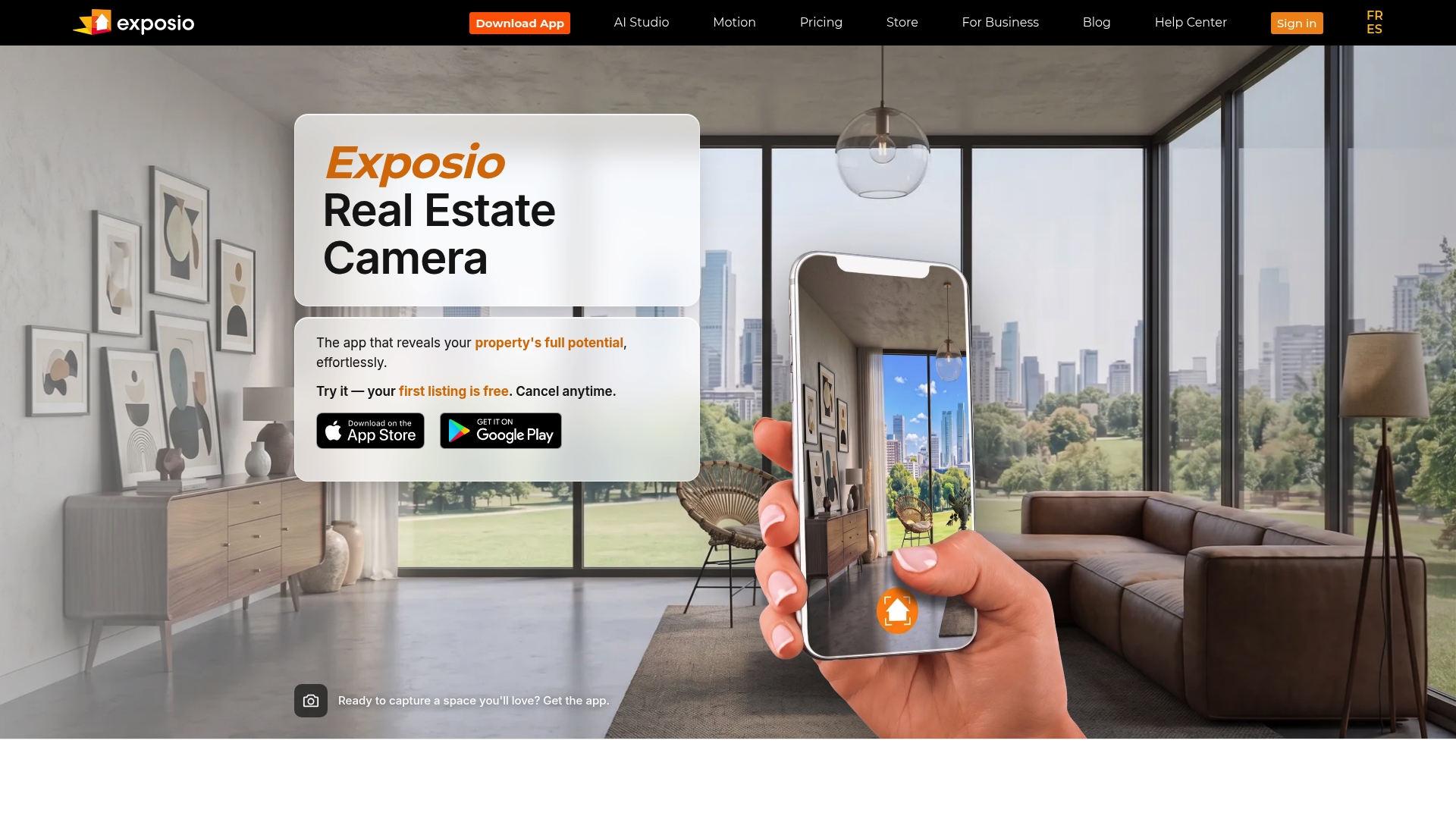
Full dynamic range HDR merging that claims to capture indoor and outdoor detail in a single tap is Exposio's headline feature. The app pairs HDR with virtual staging and automated video creation to speed listing photo production for agents and brokerages.
Core Features
Exposio offers HDR photo processing, wide-angle stitching, and automatic framing to handle mixed lighting and tight interiors. AI Studio performs virtual staging and scene transformations while Motion generates short listing videos automatically from captured photos.
The product ships as a mobile app with optional customizable hardware kits and supports tethered DSLR capture. Subscription plans and credit packs let teams scale usage without committing to per-image billing for every shoot.
Key Differentiator
The vendor positions its single-tap HDR merge as the defining capability. That approach aims to remove the usual back-and-forth between indoor and outdoor exposures so you get balanced highlights and shadows without manual bracketing or complex postprocessing.
Pros
-
No advanced camera skills required. Tap to shoot, apply AI Studio presets, and deliver MLS-ready images quickly which helps busy agents spend less time on editing.
-
Wide dynamic range capture improves scenes with bright windows and dim interiors. The HDR workflow preserves detail where single-exposure phone shots often fail.
-
Motion turns photos into short promotional clips automatically, a fast way to add video to listings without a separate toolchain.
-
Scalable options include white-label capabilities and hardware kits for brokerages or proptech partners that want branded capture workflows at scale.
Cons
-
Buyer feedback notes limited customization inside the AI Studio and basic video editing controls, so experienced editors may find the tool restrictive.
-
The HDR process is strong for typical listings but will not replace a full pro shoot when full manual control and advanced lighting are required.
-
Some hardware kits are listed as coming soon which could delay rollouts for teams that planned to adopt end-to-end branded capture immediately.
-
Pricing can be a barrier for very occasional users who do not need monthly credits.
When It May Not Fit
If your workflow depends on granular retouching, layered PSD deliverables, or advanced color grading, Exposio's automated edits will feel limiting. Also, studios that require immediate access to the vendor's hardware kits may need to wait for full availability.
Notable Integrations
-
Canon DSLR over Wi-Fi for tethered capture that lets pro photographers use Exposio's processing while shooting with familiar camera bodies.
-
Mobile platforms (iOS and Android) are supported so field teams can capture and enhance on the device they already carry.
Who It's For
Agents, brokers, and proptech teams that want professional-looking images and quick videos without hiring a dedicated photographer will get the most value. Brokerages seeking branded capture workflows are a close second audience.
Real World Use Case
An agent uses the Exposio app on-site to shoot a three-bedroom home, applies virtual staging in AI Studio, and publishes a Motion video to the MLS feed the same day. The process shortens the time from listing to live media by hours rather than days.
Pricing
Plans start at $9.99 per month for Pro with 25 HDR credits included. Additional credits and hardware kits are available for purchase which lets teams scale consumption when needed.
Website: https://exposioapp.com
Comparative Analysis of Real Estate Photo Enhancement Services
Evaluating five competitive services for real estate photo enhancements reveals distinct tradeoffs among workflows, pricing structures, and customizability. Below, we highlight these differences to aid users in selecting the right tool for their needs.
Efficiency in Task-Specific Editing
Proofe.app distinguishes itself with its MLS-compliant guided mobile capture and same-day turnaround, streamlining the process by allowing agents to produce listing-ready photos without hiring external photographers. However, Exposio and Sylo AI also provide rapid results with HDR processing and social media-ready video tools, emphasizing automated, fast delivery workflows.
Customization and Feature Set Diversification
Features like virtual staging provided by ProperShot expand beyond basic image enhancement, allowing users to mock furniture arrangements and home modifications. Such offerings cater to agents wanting more than just polished photos. Nonetheless, for developers or agencies with existing systems, Autoenhance.ai exposes image processing capabilities through its API, enabling deeper integrations into their workflows.
Best Fit Scenarios for Each Provider
- Proofe.app suits solo agents needing high-quality, quick results for routine listings with predictable pricing per image.
- Autoenhance.ai works better for agencies integrating their editing pipelines, leveraging its API for automated processing at scale.
- ProperShot offers distinct value for agents emphasizing presentation, where virtual staging and quick video exports drive engagement.
- Sylo AI serves high-volume photo teams seeking consistently rapid turnarounds along with content enhancements like SEO-ready text generation.
- Exposio caters to agents looking for enhanced HDR photography and introductory video creation tools in a user-friendly mobile app.
The Advantage of Proofe.app's Flexible Workflow
Proofe.app stands apart with its emphasis on empowering users to generate listing-ready images directly from mobile devices using its guided app. This capability eliminates common delays associated with separate photo-shoot scheduling and third-party editing, benefiting agents needing immediate turnaround without halting their workday. However, for bulk-processing tasks or advanced staging scenarios, competitors like Autoenhance.ai and ProperShot respectively might fulfill distinct needs more effectively.
Real Estate Photo Enhancement Tools Comparison
When selecting a real estate photo enhancement tool, it's key to evaluate the workflows, pricing, and unique features each platform offers to ensure the best fit for your needs.
| Product | Key Differentiator | Best For | Pricing | Notable Limitation |
|---|---|---|---|---|
| Proofe | Mobile-guided capture and AI tuned for real estate editing | Agents needing MLS-ready images fast | $2.00 per photo (volume tiers available) | Requires user to capture quality phone images |
| Autoenhance.ai | API integrations for scalable automated enhancements | PropTech teams processing high image volumes | $29/month for 100 images | Results may require manual adjustments for complex scenes |
| ProperShot | Integrated virtual staging, photo editing, and short videos | Real estate agents seeking on-the-go editing | €79/month (Discovery plan) | Dependent on modern smartphones and good internet connectivity |
| Sylo AI | Specialized neural models for property imagery | Agencies needing quick, repeatable editing | €0.20 per image (estimated) | Lack of detailed documentation for MLS integration |
| Exposio | HDR merging for balanced indoor and outdoor lighting | Teams needing quick MLS-ready photo solutions | $9.99/month for Pro plan | Limited customization options for advanced editing |
Discover a Smarter Way to Capture Listing Photos with Proofe
If finding reliable listingphotoshoot.com alternatives feels overwhelming, consider how Proofe directly addresses the challenge of producing MLS-ready images fast and affordably. Proofe eliminates the need to schedule traditional photography by empowering agents to shoot with their smartphones and use AI-enhancement tailored specifically for real estate listings. Enjoy benefits like same-day photo delivery and the freedom to retain control over your images.
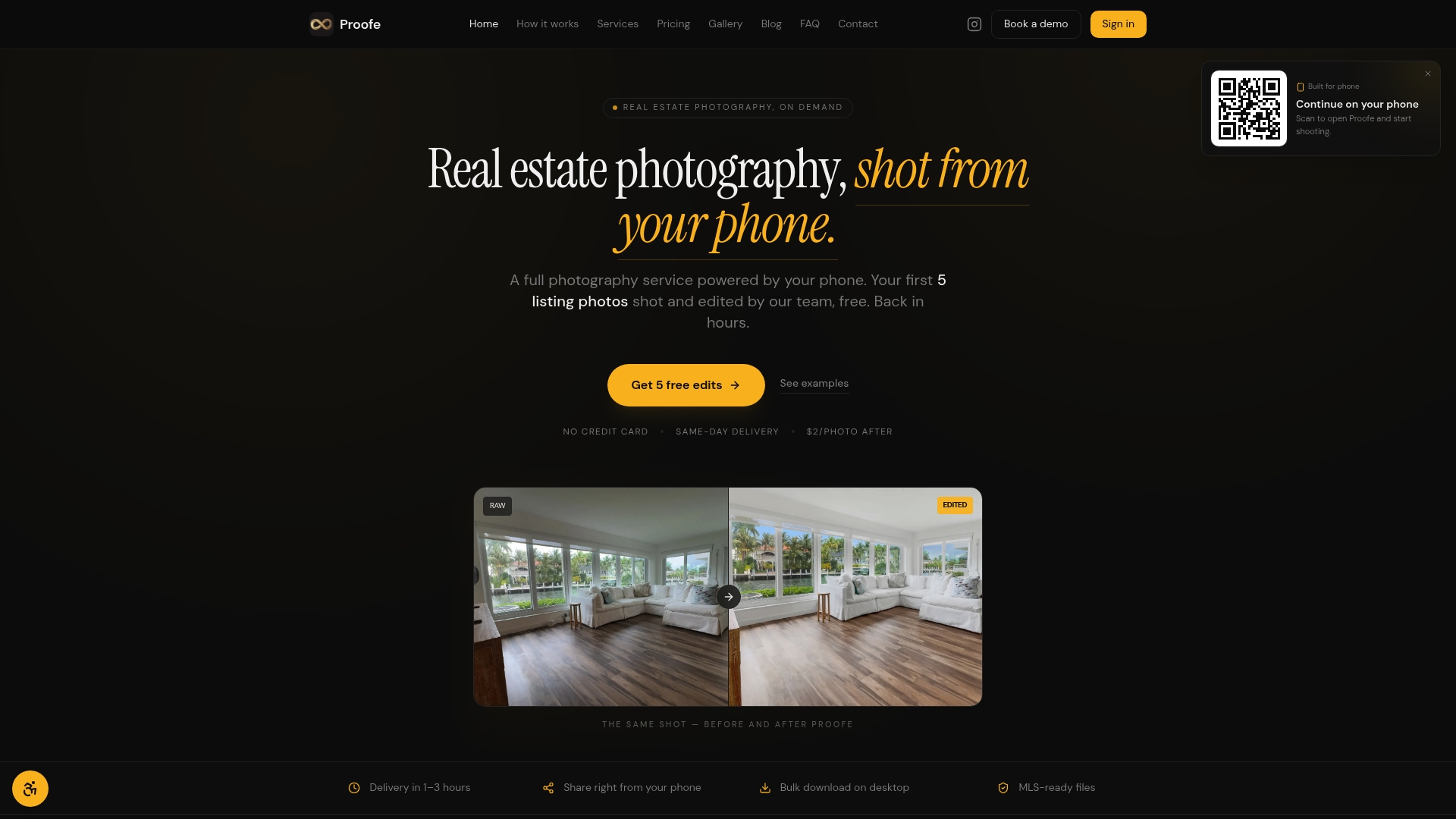
See how Proofe simplifies your listing photo process while cutting costs. Visit Proofe now and claim your first five free MLS-ready photos. Start shooting, AI-enhancing, and downloading polished images in one easy flow today.
Frequently Asked Questions
How does Proofe's mobile app enhance the real estate photo capture experience?
Proofe offers guided capture through its mobile app, walking users through framing, exposure, and shot order for listings. This feature ensures that agents can take high-quality images even without professional photography training, allowing for smoother and faster photo submission. Agents looking to speed up their photo-taking process will benefit from these in-app instructions.
What is the difference between Proofe and Autoenhance.ai in terms of image editing capabilities?
Autoenhance.ai specializes in AI HDR merging and can process images in batches quickly, which is advantageous for teams handling a large volume of listings. Proofe, on the other hand, focuses on mobile-guided photo capture and real estate-specific AI editing features to ensure images meet MLS compliance. If your photography needs require faster batch processing, Autoenhance.ai may be a suitable choice.
Which platform offers better pricing for teams in need of high-volume photography services?
Proofe offers team plans starting at $1.85 per photo, with brokerage volume pricing going down to $1.65, making it cost-effective for agencies needing multiple images. This pricing structure allows real estate agents and brokerages to manage per-photo costs effectively as they scale. Teams planning numerous listings can expect predictable budgeting with Proofe's structure.
Can I control the editing process with Proofe after submitting my photos?
Yes, Proofe allows agents to own the images they capture and decide which edits to accept or reject after submission. This control means agents can ensure that the final edited images align with their vision before listing. Those who want to maintain their creative input while using a photo enhancement service will find this feature beneficial.
How does Proofe's same-day photo delivery compare with other alternatives in the market?
Proofe claims to deliver MLS-ready images on the same day, which is crucial for agents with tight listing windows. While competitors like Exposio also offer speedy result delivery, Proofe's focus on mobile shooting makes it particularly convenient for agents needing rapidly adjustable results. For agents needing expedited turnaround times, Proofe's service fits that requirement effectively.