
The rental listing photo minimum standard is defined as the combined set of technical upload requirements and marketplace quality expectations that a listing must meet to attract qualified tenant inquiries. Platforms like Booking.com, Zillow, and RentSpree each enforce their own rules around resolution, file format, and photo count. Meeting the bare technical floor is not enough. Landlords and property managers who treat these minimums as a quality ceiling consistently lose leads to listings that go further. This guide breaks down exactly what the standards require, why they matter, and how you can meet and exceed them efficiently.
What is the rental listing photo minimum standard by platform?
No single universal standard governs rental listing photos. Each platform sets its own technical floor, and the differences are significant enough to affect your workflow.
Booking.com publishes the most detailed requirements of any major platform. It requires at least 10 photos, with a minimum of 4 photos per room and at least 1 bathroom photo. The minimum accepted resolution is 2,048 x 1,080 pixels, but Booking.com prefers 4,000 x 3,000 pixels. All photos must be in landscape orientation. Photos that fall below the resolution floor are rejected outright. That rejection threshold matters because uploading at the preferred higher resolution also protects image quality after platform compression on high-DPI screens.
RentSpree sets a much lower bar. Its listing pages require a minimum of 3 photos, accept JPEG and PNG formats, and cap each file at 20MB with a maximum of 50 photos per listing. The low minimum makes it easy to publish quickly, but 3 photos rarely give renters enough information to schedule a showing.
Airbnb and VRBO recommend photo counts in the 15–30 range and emphasize high resolution and room coverage, though neither enforces a hard rejection threshold the way Booking.com does.
Here is a quick comparison of platform minimums:
| Platform | Minimum photos | Minimum resolution | Accepted formats |
|---|---|---|---|
| Booking.com | 10 (4+ per room) | 2,048 x 1,080 px | JPEG, landscape only |
| RentSpree | 3 | Not publicly listed | JPEG, PNG |
| Airbnb | Not enforced; 15–30 recommended | Not publicly listed | JPEG, PNG |
| VRBO | Not enforced; 15–30 recommended | Not publicly listed | JPEG, PNG |
Key technical requirements to check before uploading:
- Resolution: Meet the platform minimum, but shoot at the highest resolution your device allows.
- Orientation: Landscape is required on Booking.com and preferred everywhere else.
- File format: JPEG works on every major platform. PNG is accepted on RentSpree.
- File size: RentSpree caps files at 20MB. Check your target platform's current limit before batch uploading.
For a deeper look at file format requirements across MLS and rental portals, the rules vary more than most agents expect.
What qualitative criteria define photo standards beyond the technical rules?
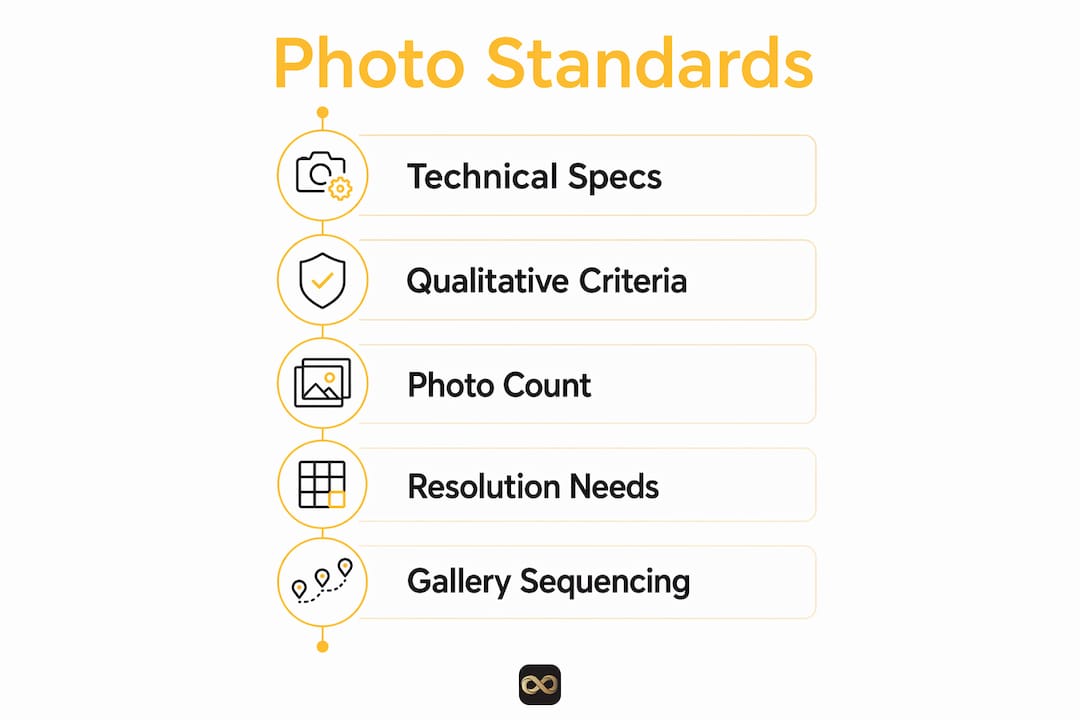
Technical compliance gets your listing published. Qualitative standards determine whether renters stay on your page or move on. The industry term for this layer is "marketplace quality," and it covers completeness, accuracy, clarity, and logical sequencing.
Completeness means every major space is photographed. Zillow recommends covering every major room, including the kitchen, all bedrooms, living areas, and bathrooms. A listing missing a bathroom photo signals to renters that something is being hidden. Gaps in coverage reduce trust before a single word of your description is read.
Currentness means photos reflect the property as it exists today. A gallery showing a freshly painted unit when the current walls are scuffed misleads renters and produces low-quality leads. Serious renters who arrive at a showing and find a mismatch rarely sign a lease. Updating your photo set after renovations, seasonal changes, or significant repairs is not optional if you want qualified inquiries.
Clarity covers brightness, straight lines, and accurate color. Photos must be bright, use natural light, and show straight lines to avoid misleading renters. Open every blind before shooting. Turn on all overhead lights. Shoot from room corners to capture the widest possible view. Avoid reflections in mirrors and windows.
Logical sequencing organizes your gallery to mimic a physical walkthrough. The recommended order is: hero image or exterior, living room, kitchen, bedrooms, bathrooms, amenities, and then any outdoor spaces. Logical photo sequencing helps renters mentally map the space, which increases the time they spend on your listing.
Pro Tip: Shoot your hero image last. After walking through the property with your camera, you will know which angle makes the strongest first impression.
Thin or misleading galleries deter serious renters and attract inquiries from people who will back out after a showing. Completeness and currentness drive lead quality more than simply hitting a minimum photo count.
How do photo standards affect rental listing performance?
Photos are the single most influential element in a renter's decision to inquire. 60% of renters rate photos as very or extremely important when choosing a rental. That figure means your gallery carries more weight than your price point or location description for the majority of your audience.
Photo count has a direct and measurable effect on views. Photo sets with 20 or more images increase views by up to 83% compared to listings with fewer than 10 photos. That is not a marginal improvement. It reflects the fact that renters use photo count as a proxy for transparency. A listing with 6 photos looks like it has something to hide. A listing with 25 well-sequenced photos looks like a landlord who is confident in the property.
"Photos must be current, complete, bright, and logically sequenced to generate the best rental inquiries." — Apartment Solutions
Your first photo carries disproportionate weight. It appears in search results and determines whether a renter clicks through at all. Choose an exterior shot in good light or your best interior space as the hero image. A dark, cluttered, or poorly framed first photo costs you clicks before renters ever read your listing details.
Listings with thin galleries also attract lower-quality leads. Renters who inquire without enough visual information often ask basic questions that photos would have answered, or they show up to viewings with mismatched expectations. A complete, accurate gallery pre-qualifies your leads before you pick up the phone.
For more on how photo quality affects rental outcomes, the pattern is consistent across property types and price points.
What practical steps help you meet and exceed rental photo standards?
Meeting the minimum is straightforward when you follow a consistent process. Exceeding it requires a bit more planning, but the payoff in inquiries is real.
-
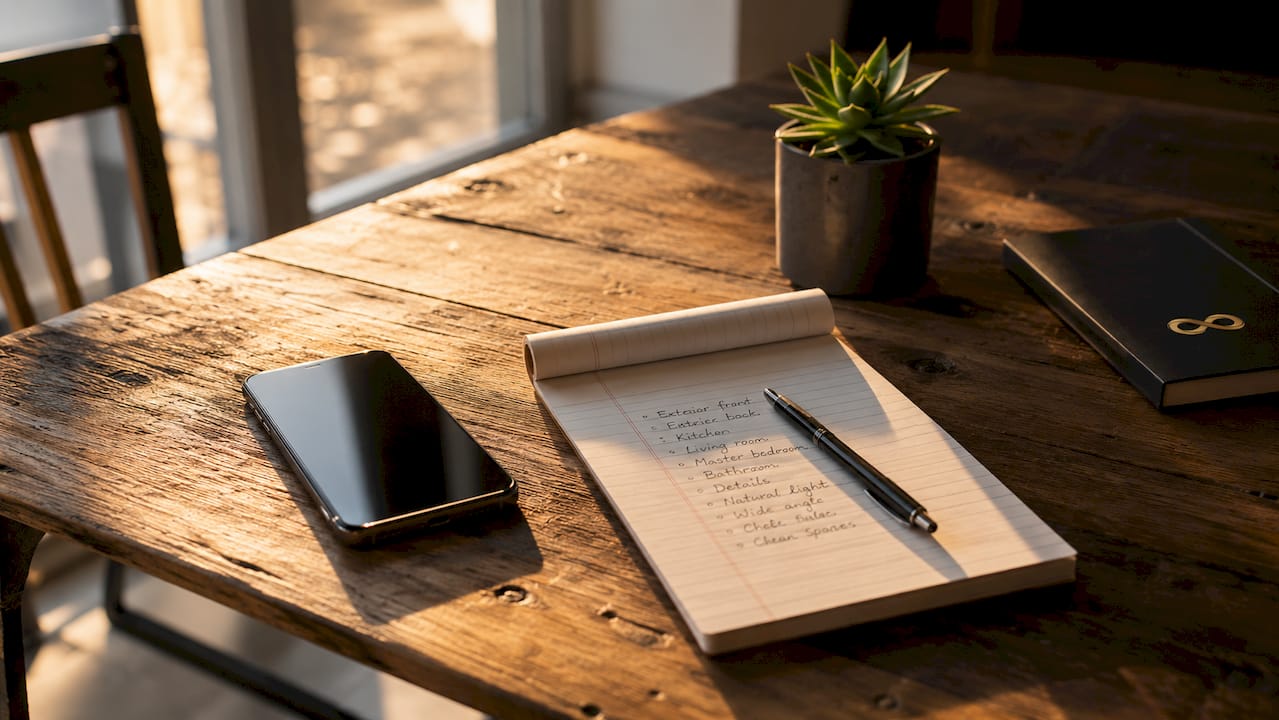
Map your coverage before you shoot. List every room and space in the property. Your shot list should include: exterior front, exterior back or yard, living room (2 angles), kitchen (2 angles), each bedroom (2 angles), each bathroom, any hallways or unique features, and any shared amenities. This prevents gaps.
-
Shoot horizontally every time. Landscape orientation is required on Booking.com and looks better on every platform. Vertical photos waste screen space and feel amateurish in a gallery context.
-
Use natural light as your primary source. Open all curtains and blinds before shooting. Schedule your shoot for mid-morning when light is bright but not harsh. Turn on every interior light to fill shadows.
-
Declutter before you shoot, not after. Remove personal items, excess furniture, and anything that makes a room feel smaller or messier. Editing can fix brightness. It cannot remove a pile of boxes.
-
Shoot from corners. Positioning your camera in a corner and shooting toward the opposite corner captures the maximum width of any room. This makes spaces look larger and gives renters a better sense of layout.
-
Edit for brightness and color accuracy. Raw smartphone photos often look flat or slightly yellow. Use AI photo enhancement tools to correct brightness, white balance, and sharpness before uploading. Proofe's AI photo enhancer corrects these issues automatically, producing MLS-ready files from smartphone shots.
-
Sequence your gallery as a walkthrough. Upload photos in the order a renter would experience the property: exterior, entry, living areas, kitchen, bedrooms, bathrooms, and then amenities or outdoor spaces.
Pro Tip: Airbnb hosts should retake exterior and outdoor photos at the start of each season. A summer listing showing snow-covered grounds, or a winter listing with dead grass, signals to guests that the photos are outdated and reduces booking confidence.
For a full photo quality checklist before you publish, running through a structured review catches the gaps that cost you inquiries.
Key takeaways
The rental listing photo minimum standard combines platform-specific technical rules with marketplace quality expectations around completeness, currentness, clarity, and logical sequencing.
| Point | Details |
|---|---|
| Platform minimums vary widely | Booking.com requires 10 photos at 2,048 x 1,080 px; RentSpree requires only 3. |
| Technical floor is not the quality target | Meeting upload minimums gets you published but does not generate strong inquiries. |
| Photo count drives views | Listings with 20 or more photos receive up to 83% more views than those with fewer than 10. |
| Coverage and currentness matter most | Every major room must be photographed, and photos must reflect the property's current condition. |
| Sequencing builds renter trust | Organizing photos as a walkthrough increases time on listing and reduces low-quality inquiries. |
Why I think most landlords misread the minimum standard
The word "minimum" does real damage here. Landlords read it as a target. Platforms intend it as a rejection threshold. Those are two very different things, and confusing them is the most common photo mistake I see across rental listings.
A Booking.com listing with exactly 10 photos at exactly 2,048 x 1,080 pixels is technically compliant. It is also likely to underperform against a competing listing with 25 bright, well-sequenced photos at 4,000 x 3,000 pixels. The minimum gets you in the door. The quality standard wins the tenant.
The other pattern I consistently notice is that landlords update their listings once and leave the photos untouched for years. A kitchen renovation, a new coat of paint, or even a seasonal change in the outdoor space can make old photos actively misleading. Renters who spot a mismatch between photos and reality lose trust immediately, and that trust is nearly impossible to rebuild in a 20-minute showing.
The good news is that the gap between compliant and competitive is smaller than most people think. Shooting more rooms, sequencing thoughtfully, and editing for brightness gets you most of the way there. Mobile tools have made the technical side genuinely accessible. You do not need a professional photographer on call for every listing update. You need a consistent process and the right editing tools.
— Richard Lopez
How Proofe helps you hit the right standard every time
Meeting rental listing photo standards should not require a full production shoot every time a property turns over.
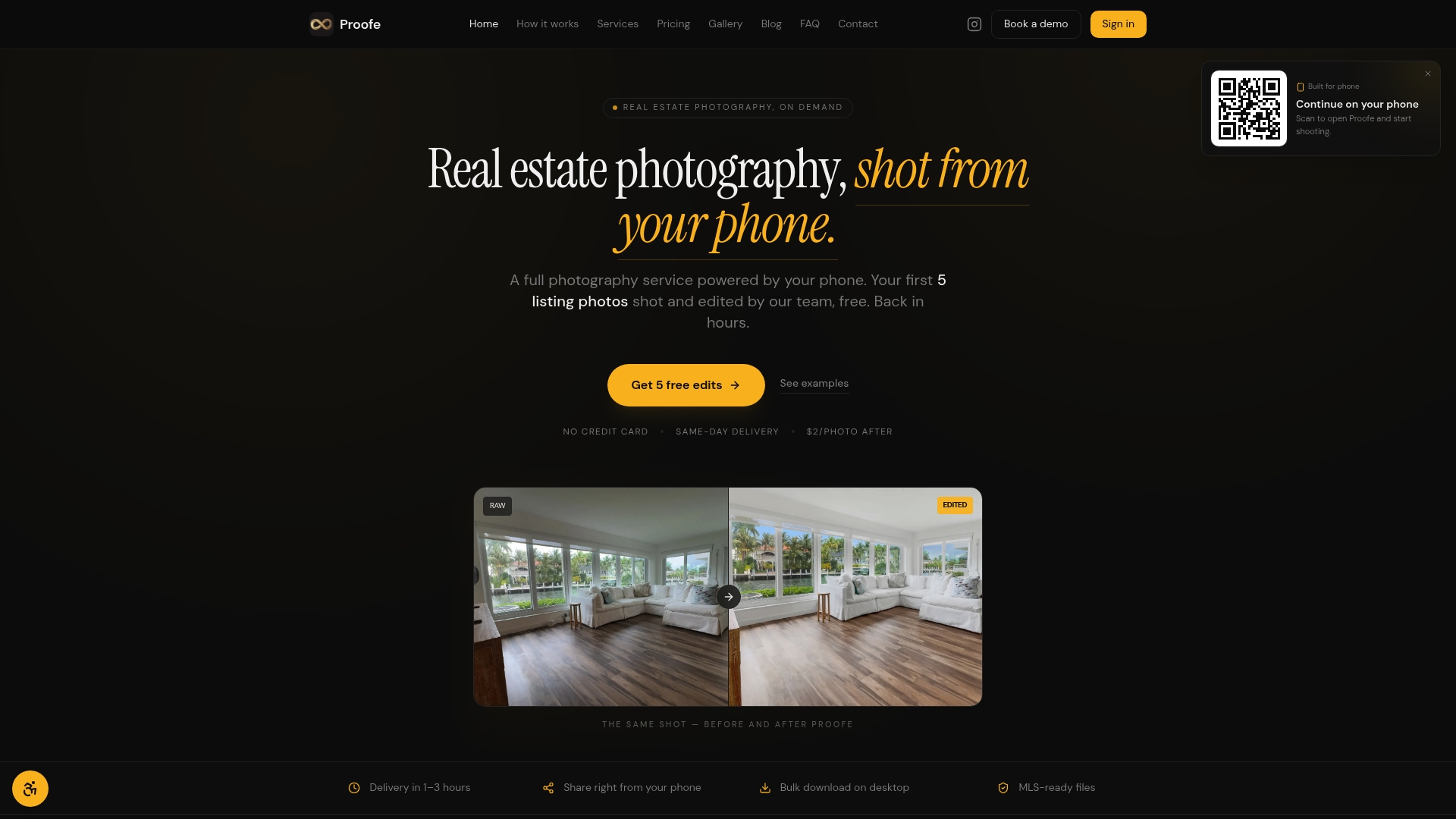
Proofe is built for exactly this situation. You shoot with your smartphone, and Proofe's AI enhancement tools handle brightness correction, color accuracy, HDR edits, and sky replacement automatically. The result is MLS-ready files delivered the same day, without expensive equipment or a photography background. Property managers can use Proofe to keep listings current across seasonal changes, post-renovation updates, and new tenant turnovers. Your first five photos are free, so you can see the quality difference before committing. Listings that look professional get more clicks. Proofe makes that standard achievable for every property in your portfolio.
FAQ
What is the minimum number of photos for a rental listing?
The minimum varies by platform. Booking.com requires at least 10 photos with 4 or more per room, while RentSpree requires a minimum of 3. Airbnb and VRBO do not enforce a hard minimum but recommend 15–30 photos for best performance.
What resolution do rental listing photos need to be?
Booking.com requires a minimum resolution of 2,048 x 1,080 pixels and prefers 4,000 x 3,000 pixels. Other platforms do not publicly list a hard resolution floor, but shooting at the highest resolution your device allows protects image quality after platform compression.
How many photos should a rental listing have to perform well?
Listings with 20 or more photos receive up to 83% more views than listings with fewer than 10. Aim for at least 20 photos covering every major room, the exterior, and any notable amenities.
What makes a rental listing photo high quality?
High-quality rental photos are bright, shot in landscape orientation, free of clutter, and sequenced to mimic a walkthrough. Natural light, corner angles, and accurate color representation are the most important factors for attracting qualified tenant inquiries.
Do Airbnb hosts need to update listing photos seasonally?
Yes. Seasonal retakes of exterior and outdoor spaces keep your listing accurate and build guest confidence. A listing showing summer greenery during a winter booking window signals outdated photos and reduces inquiry rates.