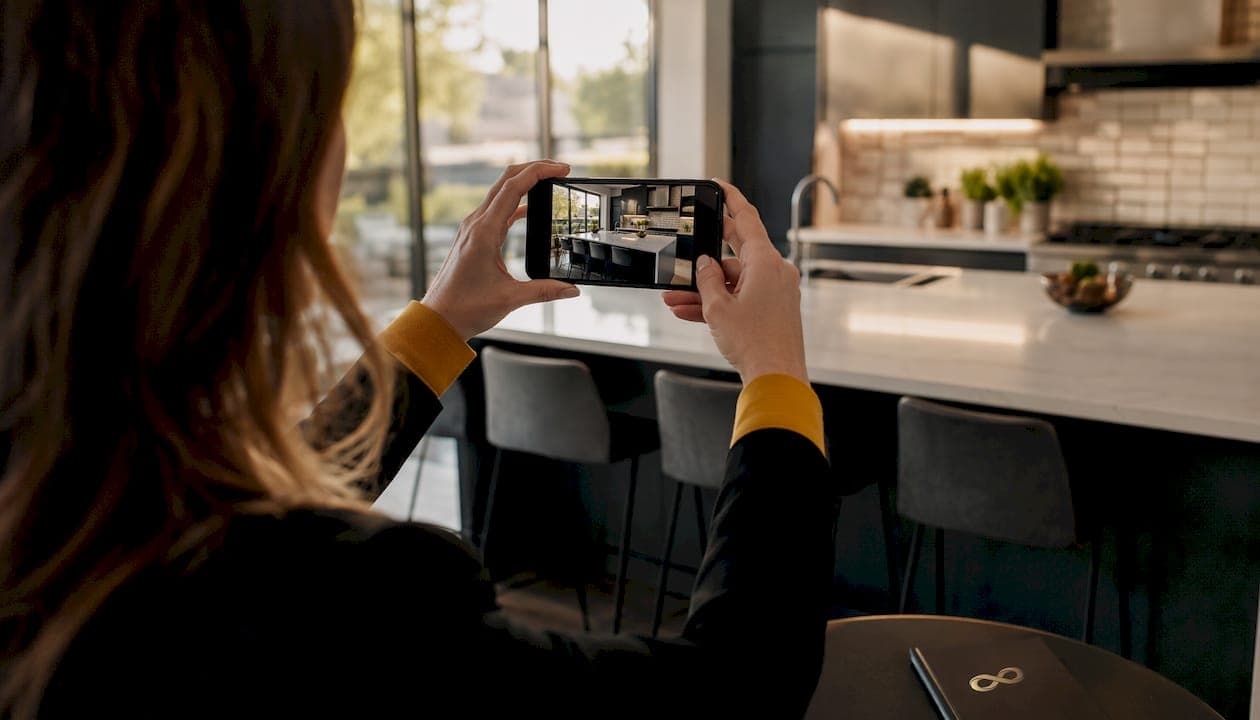
Why vertical photos fail on MLS listings
Vertical photos fail on MLS because the platforms are built for horizontal display. Every MLS gallery, grid, and slideshow expects a landscape orientation, typically a 4:3 or 3:2 aspect ratio. When you upload a portrait photo, the system has two bad options: compress it with blank space on both sides, or crop it to force a fit. Neither one works in your favor.
Here is what actually happens when a vertical photo lands in an MLS listing:
- Pillarboxing: The image sits in the center of the frame with white or gray bars on each side, creating a void that pulls the viewer's eye away from the property.
- Auto-cropping: The MLS crops the image to fill the horizontal slot, cutting off ceiling heights, floor transitions, and room depth.
- Reduced visual impact: The property appears smaller and less impressive than it actually is.
- Lower buyer engagement: Listings with poor photo presentation get fewer clicks and less time spent viewing.
- Perceived unprofessionalism: Buyers notice when photos look off. A vertical shot in a horizontal gallery signals a rushed or careless listing.
The fix is straightforward: shoot landscape every time. But before you can fix it, you need to understand exactly what MLS platforms require.
What are the 2026 MLS photo technical requirements?
MLS systems are not flexible about photo specs. They follow standardized rules for orientation, resolution, file format, and size. Submitting photos outside those rules either triggers a rejection or produces a display that hurts your listing.
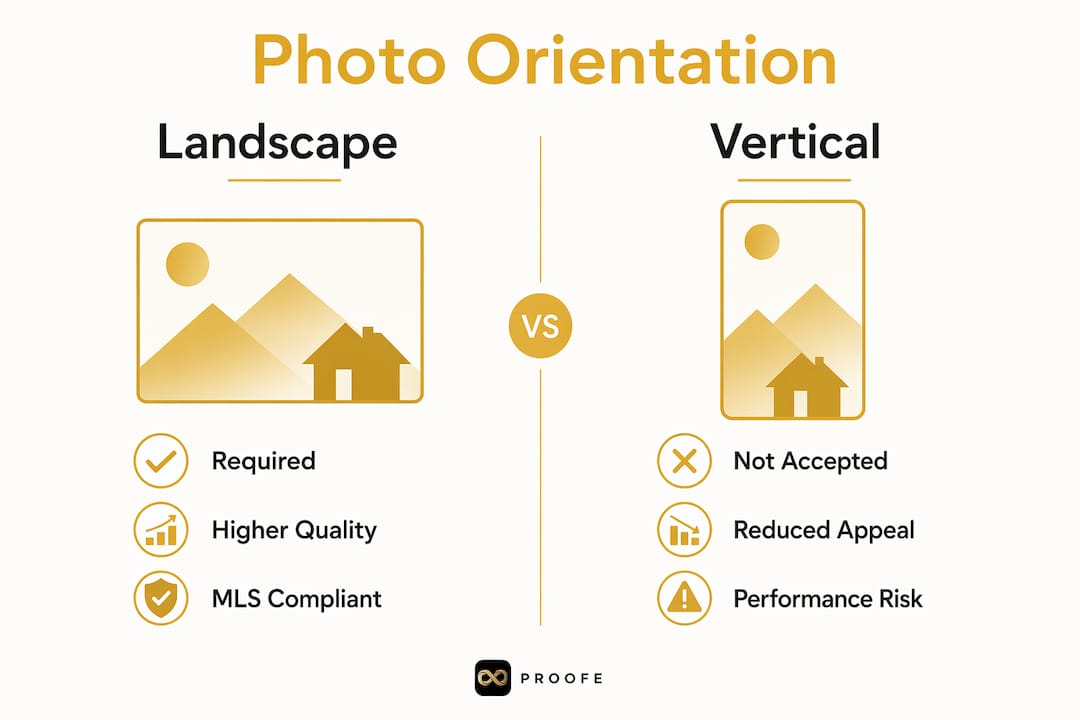
Most MLS platforms require landscape orientation and a minimum resolution of 640x480 pixels. Photos smaller than that will not upload at all. JPEG and JPG are the universally accepted formats. Some systems accept PNG, but JPEG is the safe default because it compresses efficiently without the file size issues that can block uploads.
Key technical standards to know before you upload:
- Orientation: Landscape (horizontal) only. Portrait images are either rejected or displayed incorrectly.
- Minimum resolution: 640x480 pixels. Anything smaller gets rejected or appears blurry after the MLS resamples it.
- Preferred aspect ratios: 4:3 or 3:2. These match the display grids used in MLS galleries and printed reports.
- File format: JPEG/JPG is standard. Avoid non-standard formats like HEIC or TIFF unless your MLS explicitly accepts them.
- File size: Most systems cap uploads between 10MB and 20MB per photo. Check your specific MLS for the exact limit.
- No overlays: Logos, watermarks, and text overlays will get your photo rejected outright.
| Requirement | Standard |
|---|---|
| Orientation | Landscape (horizontal) |
| Minimum resolution | 640x480 pixels |
| Preferred aspect ratio | 4:3 or 3:2 |
| Accepted file format | JPEG/JPG |
| Overlays/watermarks | Not permitted |
Landscape photos also maximize print quality in MLS reports, which agents still use for buyer packets. A vertical photo that somehow passes the upload check will still look undersized and awkward on a printed sheet.
How vertical photos hurt buyer experience and listing performance
Buyers scroll MLS galleries fast. Their eyes are trained to move horizontally across a grid of landscape images. A vertical photo breaks that rhythm. It creates dead space, shrinks the visible property area, and signals that something is off before the buyer even reads the description.

Professional photo quality directly shapes how buyers perceive a property's value and condition. A vertical image in a horizontal gallery does not just look awkward. It actively reduces the time a buyer spends looking at your listing. Less dwell time means less interest, and less interest means fewer showings.
The psychological effect is real. Excessive negative space, the blank areas flanking a pillarboxed vertical photo, diverts attention away from the property's actual features. Buyers focus on what feels wrong rather than what looks great about the home. That is the opposite of what a listing photo should do.
Vertical photos work well on Instagram or TikTok, where the feed is built for portrait orientation. On MLS, the context is completely different. The platform is designed for property comparison, not social scrolling. Landscape photos fit the grid, fill the frame, and let the property speak for itself.
Common mistakes agents make with vertical real estate photos
Most vertical photo problems are avoidable. They usually come down to one of three things: how the photo was taken, how the file was saved, or how the metadata was written.
The most frequent errors:
- Shooting portrait without thinking: Agents grab their phone, hold it upright out of habit, and shoot. The result is a vertical image that will never display correctly on MLS.
- Cropping to fix orientation: Forcing a vertical photo into a horizontal crop cuts off the top and bottom of the room. You lose ceiling height, floor detail, and spatial context, exactly the features that help buyers understand a space.
- Uploading without checking orientation: A photo that looks correct on your phone may display sideways on MLS. Mobile devices write orientation data into the file's EXIF metadata, and some MLS platforms ignore that metadata entirely.
- Using the volume button as a shutter: This is a surprisingly common source of metadata errors. Pressing the volume-up button to take a photo can write incorrect orientation data into the file, causing it to display sideways even when the phone was held correctly.
- Skipping a pre-upload review: Agents upload photos in bulk without previewing each one. One sideways or vertical image in a 25-photo gallery can undermine the entire listing's presentation.
Pro Tip: Before uploading any photo to MLS, open each file on a desktop computer and confirm the orientation displays correctly. What looks right on your phone screen may not match what the MLS system reads from the file's metadata.
Fixing a vertical photo after upload is possible but time-consuming. Most MLS platforms offer a rotate tool, but it does not always correct the underlying metadata. The cleaner fix is to get the orientation right before the photo ever reaches the upload screen.

Best practices for preparing MLS-compliant listing photos
Getting your photos right before upload saves you time, avoids rejections, and protects your listing's first impression. These habits are worth building into every shoot.
Shoot and prepare photos the right way:
- Always hold your phone horizontally. Turn it sideways before you tap the shutter. This one habit eliminates most orientation problems before they start.
- Check your aspect ratio. Set your camera app to shoot at 4:3 or 3:2. Most smartphone cameras default to one of these, but confirm it in your settings before the shoot.
- Review photos on a desktop before uploading. Mobile screens can mask orientation errors. A desktop preview catches sideways images and incorrect crops before they go live.
- Normalize EXIF metadata. Use a photo editing tool or a dedicated app to strip or correct orientation metadata before upload. This prevents sideways display on MLS platforms that do not read EXIF data correctly.
- Resize photos to meet MLS minimums. If you are working with compressed files from email or messaging apps, resize before uploading to avoid blurry or rejected images.
- Shoot exterior shots in landscape, always. Vertical exterior photos look awkward in listing grids and waste screen space. There is no exception here.
- For tall interior features, plan the shot differently. If you want to capture a vaulted ceiling or a dramatic staircase, step back and shoot wide in landscape rather than rotating to portrait.
Pro Tip: Use a dedicated real estate photo app that enforces landscape orientation and handles metadata automatically. It removes the guesswork and keeps every photo MLS-ready from the moment you take it.
Photo preparation also matters for Airbnb hosts. If you are refreshing your listing photos for a new season, the same landscape orientation rules apply. Horizontal photos fill the Airbnb gallery frame better and make spaces look larger and more inviting, which directly affects booking rates. Agents who manage short-term rentals alongside traditional listings should apply these same standards across both platforms.
Understanding photo orientation's impact on buyers is one of the areas where new agents often stumble. Getting it right from the start sets your listings apart.
How Proofe guarantees MLS-compliant photos every time
Proofe takes the technical complexity out of listing photography. The process is three steps: shoot with your smartphone, let the AI enhance the image, then download your MLS-ready files. No professional camera required. No post-processing expertise needed.
The AI handles orientation, aspect ratio, and file specs automatically. Every photo Proofe delivers meets MLS technical standards, including correct landscape orientation, proper resolution, and JPEG format. You do not have to check metadata or resize files manually.
Here is what agents get with Proofe:
- Correct orientation, every time. The AI processes each image to landscape format before delivery.
- MLS-ready file specs. Resolution, aspect ratio, and format are handled automatically.
- Same-day delivery. Your photos are ready to upload the day you shoot.
- No expensive equipment. Your phone is all you need.
- First five photos free. You can test the full workflow before committing.
Proofe also works for Airbnb hosts who want to refresh their listing photos between seasons. Better photos mean better first impressions, and better first impressions mean more bookings. The same AI workflow that prepares MLS-compliant images for agents produces gallery-ready shots for short-term rental listings.
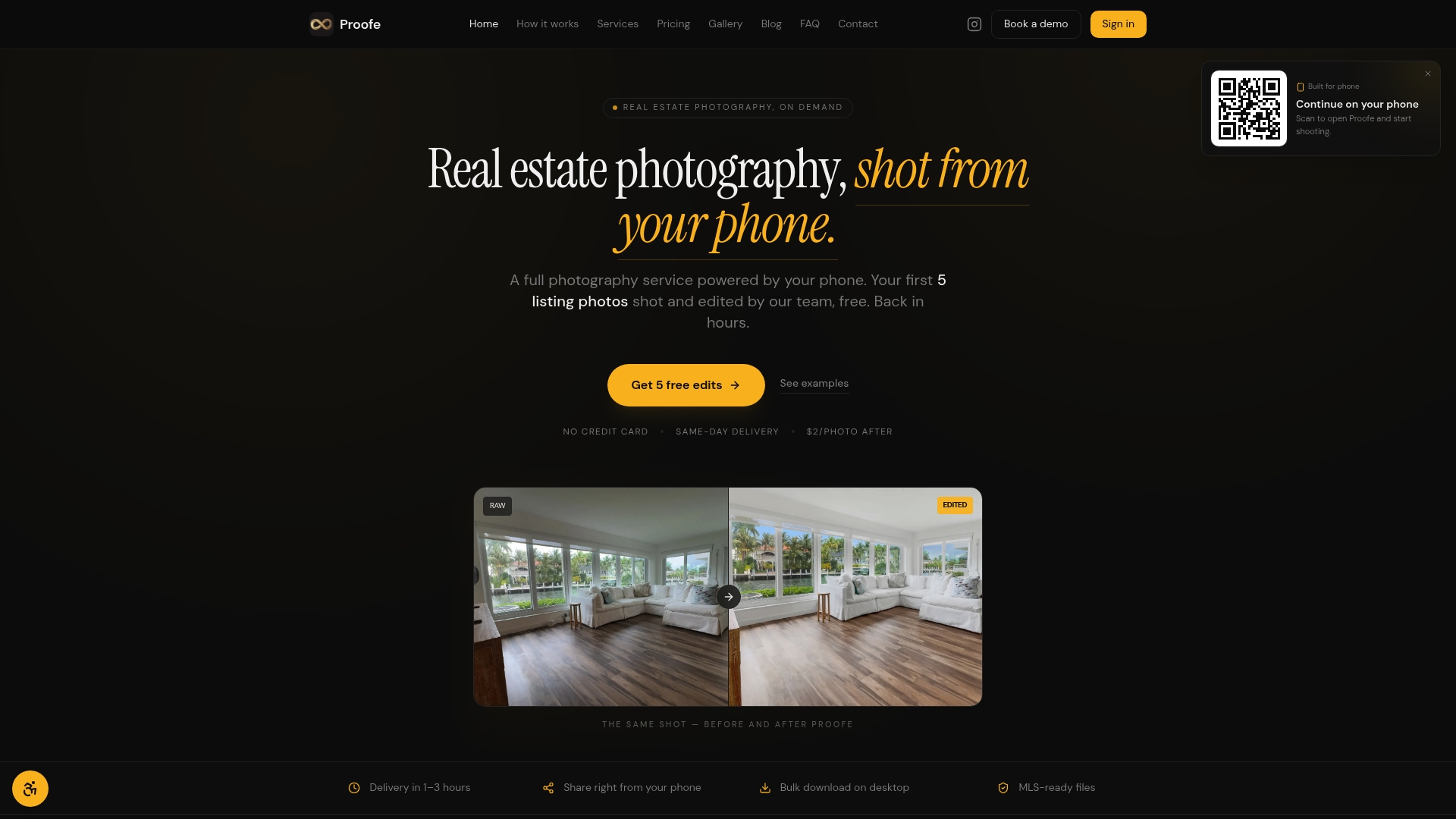
Start with your first five photos free at Proofe and see what MLS-ready actually looks like.
Key Takeaways
Vertical photos fail on MLS because the platforms are built for landscape orientation, and uploading portrait images causes cropping, pillarboxing, and display errors that reduce listing appeal and buyer engagement.
| Point | Details |
|---|---|
| MLS expects landscape orientation | Platforms use 4:3 or 3:2 aspect ratios; vertical photos are cropped or pillarboxed. |
| Minimum resolution matters | MLS systems require at least 640x480 pixels; smaller files are rejected or appear blurry. |
| Metadata errors cause sideways photos | Incorrect EXIF data from mobile devices can display photos sideways regardless of how they were shot. |
| Landscape photos improve buyer engagement | Horizontal images fill the MLS frame, reduce dead space, and keep buyers focused on the property. |
| Proofe automates MLS compliance | Shoot with your phone, and Proofe's AI delivers correctly oriented, MLS-ready files the same day. |